MLX3D
Differentiable 3D computer vision on Apple Silicon, built on MLX.
MLX3D brings the PyTorch3D workflow to Macs: batched 3D data structures, cameras, differentiable rendering, and modern view-synthesis methods (NeRF and 3D Gaussian Splatting) — all running natively on the Apple GPU through MLX, with the Gaussian Splatting and mesh rasterizers implemented as custom Metal kernels.
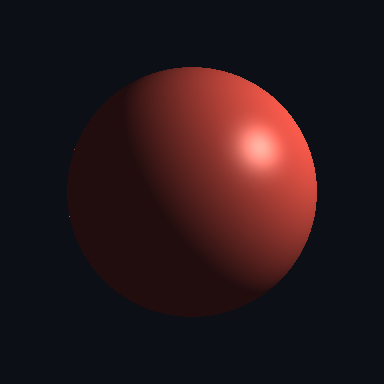
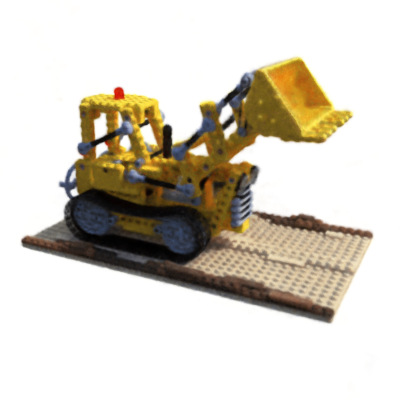
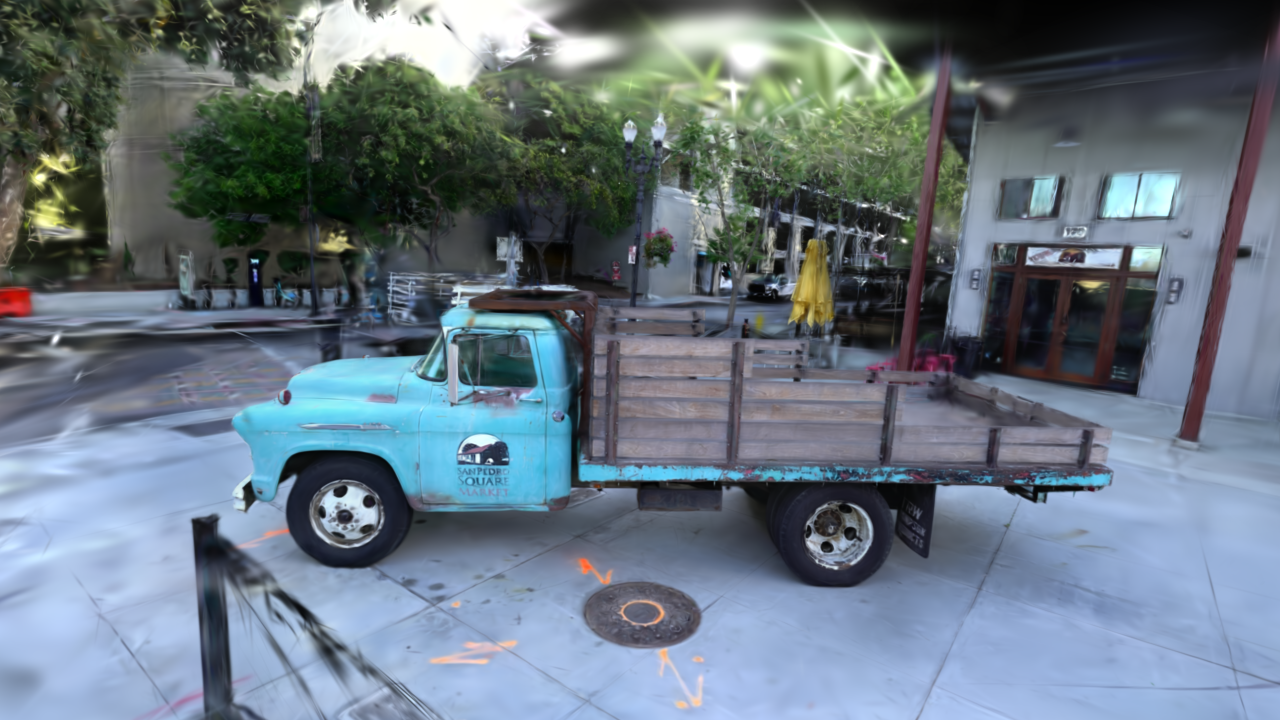
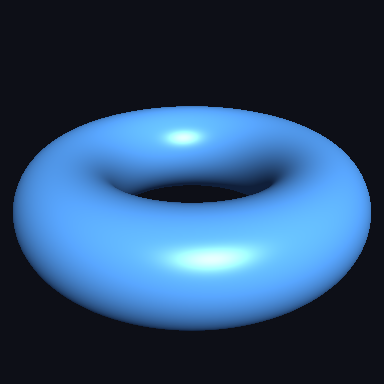
All rendered through MLX3D: a Phong-lit mesh, a hash-grid NeRF on the Lego scene, a 3D Gaussian Splatting checkpoint trained on the truck scene, and two-sided mesh shading.
Highlights
- Data structures — batched
MeshesandPointcloudswith list / packed / padded views, differentiable through construction. - Cameras & transforms — OpenCV-convention pinhole
Camera(drop-in for COLMAP / NeRF datasets) and a full set of rotation conversions. - Geometry ops & losses — k-NN, chamfer distance, surface sampling, Laplacian smoothing, edge length and normal consistency losses, PSNR/SSIM.
- NeRF — positional encoding, the NeRF MLP, stratified + hierarchical sampling and volume rendering, with a training script for the Blender synthetic scenes.
- Mesh rendering — differentiable soft triangle rasterization, OBJ/MTL texture loading and UV sampling, plus scalar-field mesh extraction.
- 3D Gaussian Splatting — a Metal translation of the reference CUDA rasterizer: tile-based forward and backward kernels wrapped in
mx.custom_function, EWA and 3DGUT-style UT projection, spherical harmonics, anti-aliased and arbitrary feature rendering, adaptive density control, COLMAP loading, and standard.plycheckpoints viewable in any splat viewer. - Interactive viewer —
mlx3d-viewopens any 3DGS checkpoint in the browser with orbit/pan/zoom, rendered live by the Metal kernels; NeRFs are supported too. - IO — OBJ and PLY (ascii/binary) loading and saving, including 3DGS checkpoint layouts.
What is new in 0.2.0
The 0.2.0 release focuses on production use: mlx3d-render, mlx3d-eval,
and mlx3d-compact CLIs; textured glTF import/export; PBR-style mesh shading;
2DGS geometry regularizers and surfel extraction helpers; Mip-Splatting-style
anti-aliasing; arbitrary-channel Gaussian feature rendering; and a
3DGUT-style Unscented Transform projection path for distorted/fisheye cameras.
Installation
pip install mlx3d
Requires an Apple Silicon Mac (M1 or newer) and Python ≥ 3.10.
A 60-second taste
import mlx.core as mx
from mlx3d.cameras import Camera
from mlx3d.splatting import GaussianModel

# Random colored Gaussians...
model = GaussianModel.from_points(
    points=mx.random.normal((10_000, 3)) * 0.5,
    colors=mx.random.uniform(shape=(10_000, 3)),
)

# ...rendered from a camera, differentiably, on the Apple GPU.
camera = Camera.look_at(eye=(0, 0, -4), at=(0, 0, 0), width=1280, height=720)
out = model.render(camera)
print(out["image"].shape)  # (720, 1280, 3)
For checkpoints and mesh assets, render from the shell:
mlx3d-render point_cloud.ply --out render.png --antialias
mlx3d-render mesh.glb --type mesh --mode depth --out depth.png
mlx3d-eval point_cloud.ply --data scene/ --format colmap --views 20
Continue with the Quickstart, then pick a tutorial:
| Tutorial | What you build |
|---|---|
| Mesh Optimization | Deform a sphere into a target shape with chamfer + regularizers |
| Point Cloud Fitting | Optimize raw points with chamfer distance |
| NeRF | Train a neural radiance field on the Blender synthetic scenes |
| Gaussian Splatting | Train 3DGS on a COLMAP scene with the Metal rasterizer |