Skywalker v0.1 · pre-release
The game engine built for AI agents, and the people who work with them.
A C++20 engine with a native macOS editor and a Metal renderer, where every capability is a tool that you, the in-editor crew and any MCP agent call the same way: agents see the scene, act on it precisely, test what they built and hand it back for review.
Get started Read the manual Agent guideLaunch trailer
Four minutes from the first prompt to a shipped game: the agent studio, Wander, the tool wall, guardrails, live edits, self-testing agents, the renderer and nine worlds built with the engine. Every shot was rendered in-engine. Download the 1080p version.
Why Skywalker
-
Everything is a tool
More than 230 typed, schema-validated tools cover scenes, worlds, rendering, physics, animation, audio, UI, assets, the studio, movies and shipping. The editor, its crew and external agents share them, so humans and agents never have different powers. Errors come with did you mean …? hints.
-
Agents can see
viewport_capturereturns an image plus every entity's screen box and id, with set-of-mark labels, G-buffer and diagnostic views, clay and sketch looks, and supersampled stills.perf_statssays where the frame time goes. -
Undoable, attributed, deterministic
Every edit records who made it (
user,agent:Nimbus,mcp:claude-code) and can be undone. A fixed 60 Hz simulation with seeded randomness lets agents play the game, test it and replay it exactly. -
A studio of agents
Directors, designers, programmers, artists and playtesters with roles and budgets, a shared board, playtest bots that really play, feedback the director accepts or drops with measured effect, and loops you define.
What it renders
Physically based, Apple-silicon fast
Clustered lighting for 1,000+ lights, screen-space GI and reflections, TAA and MetalFX upscaling, cascaded soft shadows.
Atmosphere and volumetric clouds
Physical sky scattering, ray-marched clouds with shadows, light shafts and height fog.
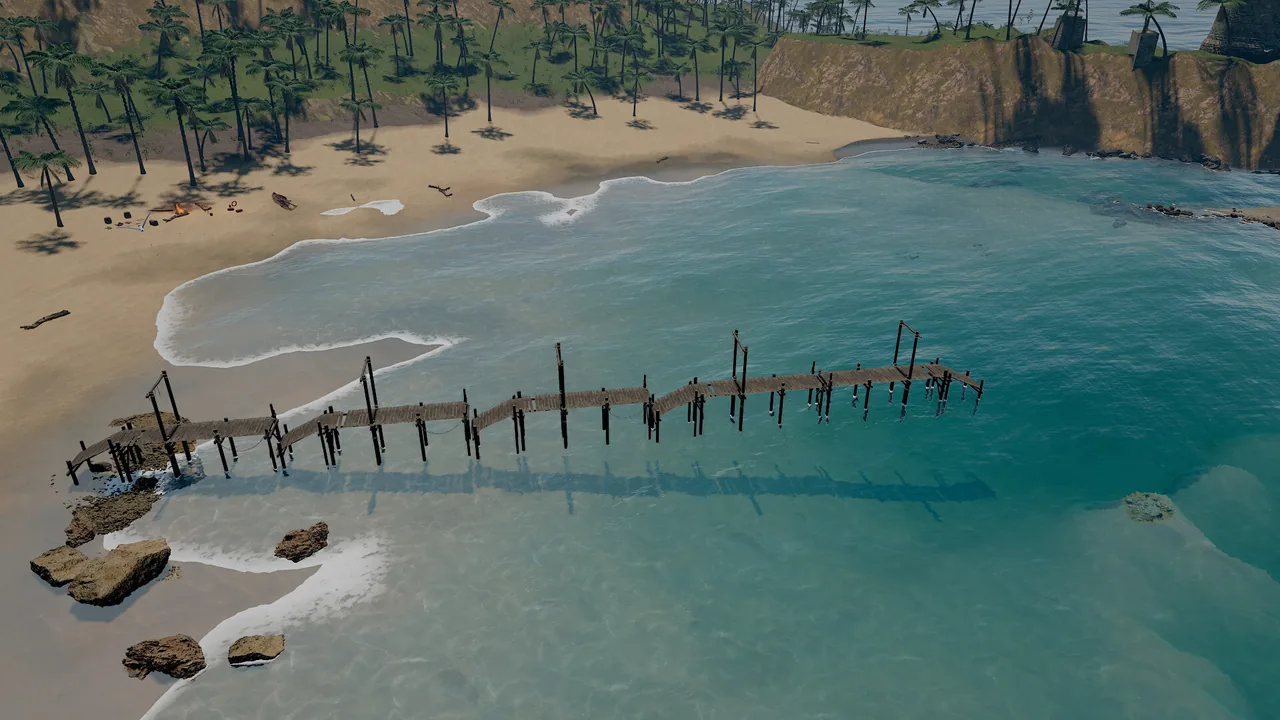
FFT ocean and shorelines
A simulated sea that shoals over the seabed, with foam, caustics, refraction and wet sand.
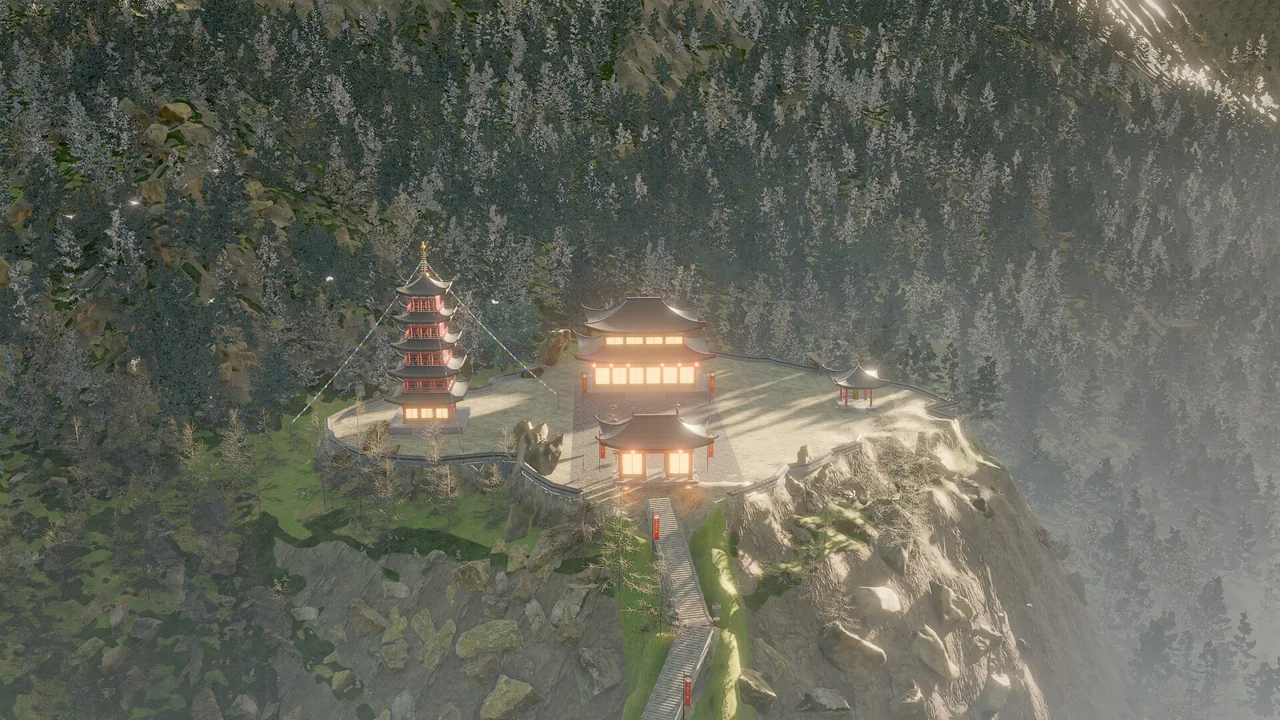
Terrain and foliage at scale
Eroded terrain with splat layers, GPU-instanced foliage with wind, LODs and octahedral impostors.
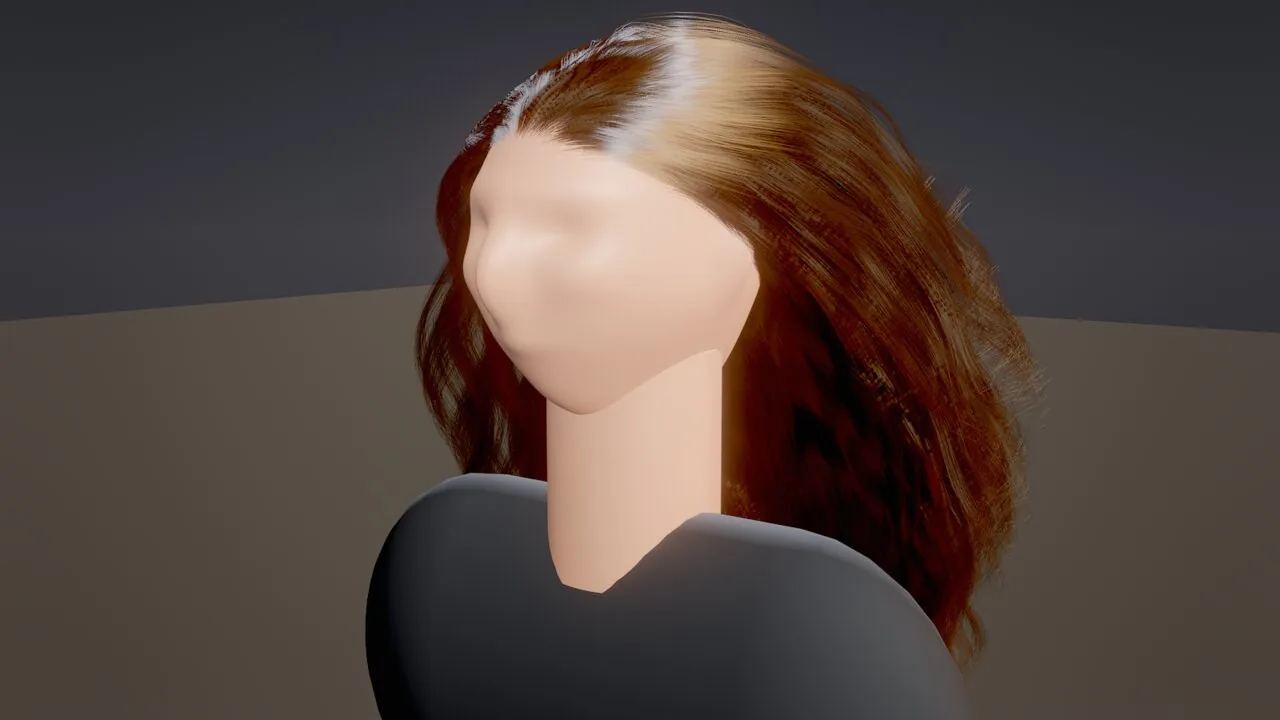
Strand hair and fur
Simulated strands with Marschner shading, physically based color and self-shadowing.
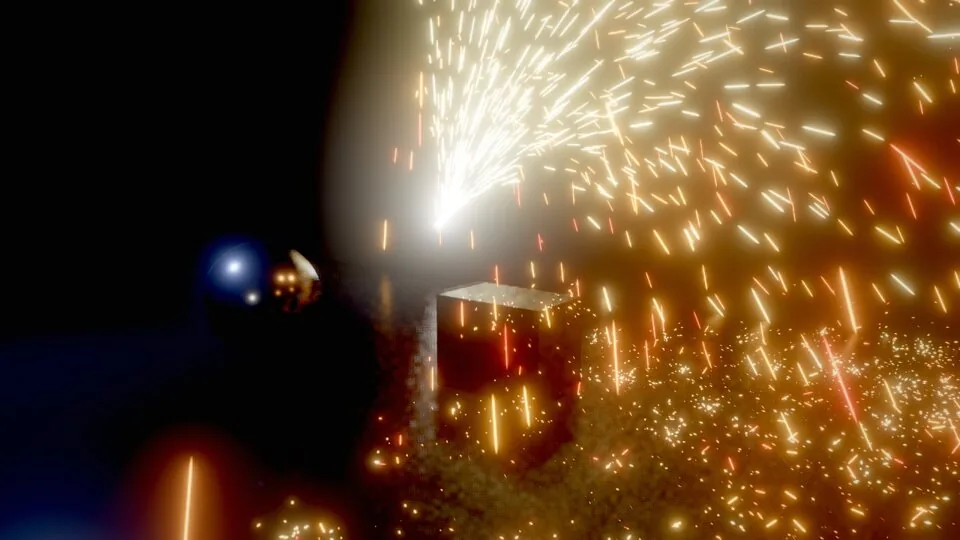
GPU particles and fluids
Millions of particles with depth collisions and sub-emitters; volumetric fire and smoke simulated on the GPU.
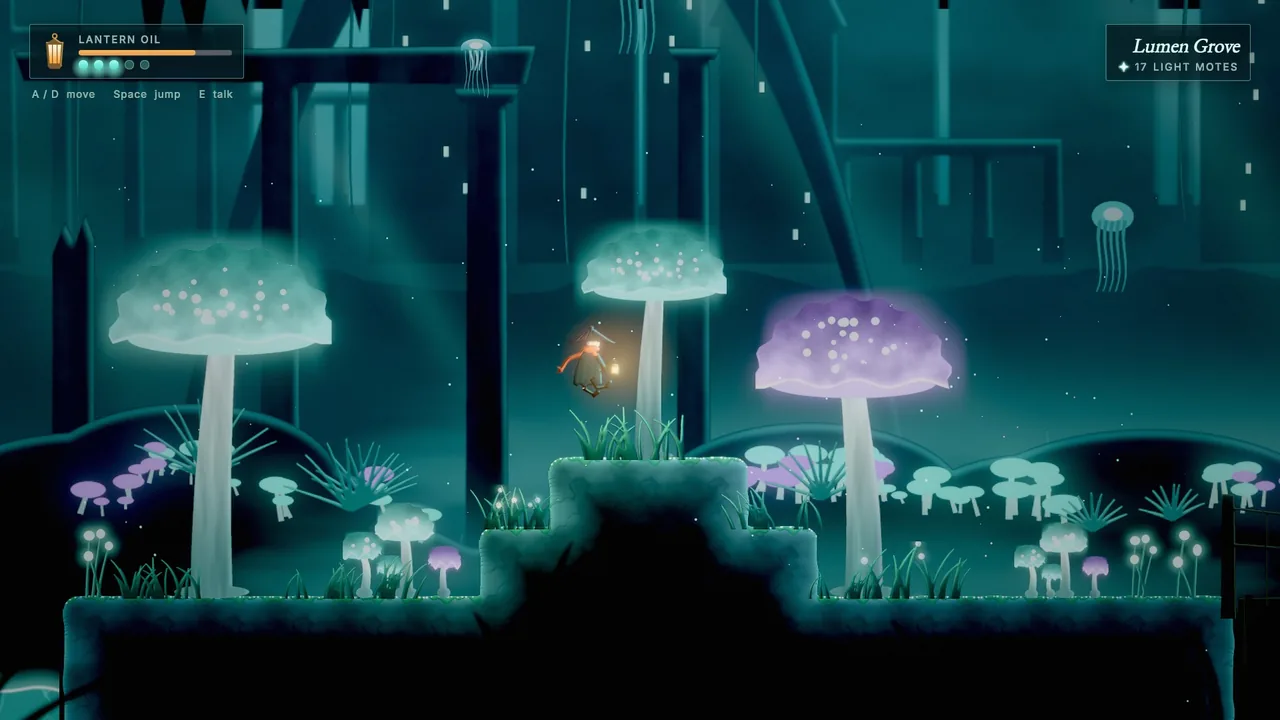
2D, UI and dialogue
Sprites, tilemaps, 2D lights, SDF text, themed UI layouts and a branching dialogue language.
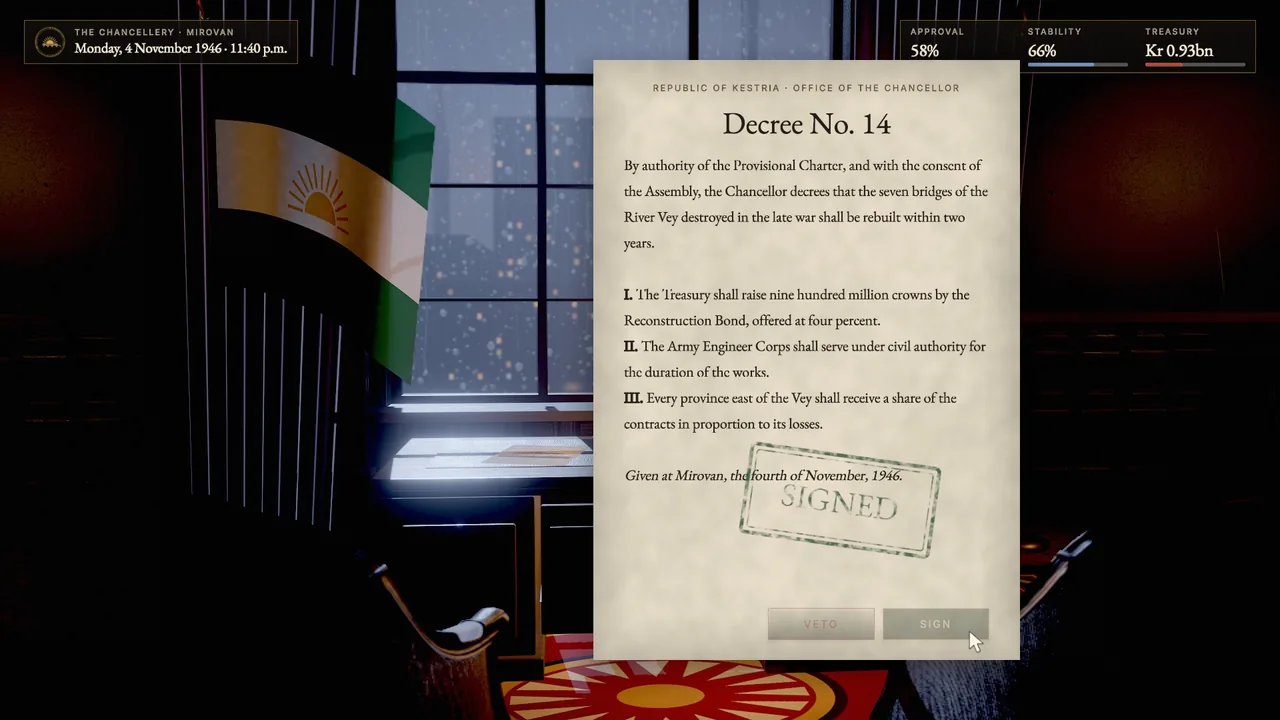
Movie renderer
Deterministic offline renders to HEVC, ProRes or PNG with real accumulated motion blur.
From words to native code
Behaviors pair a plain-language intent with Wander code: a deterministic language with states, coroutines, collections, modules and in-language tests, a node-graph view of the same code, and ahead-of-time compilation to native code.
behavior Coin
  intent "Spins; when the player touches it, it adds a point and disappears."
  param spin = 90 in 0..360 "degrees per second"
  on tick
    rotate self by (0, spin * dt, 0)
  end
  on trigger_enter "player"
    emit "score" with {points: 1}
    destroy self
  end

  test "spins"
    let before = self.rotation.y
    wait 0.5
    expect self.rotation.y != before
  end
end
Made with Skywalker
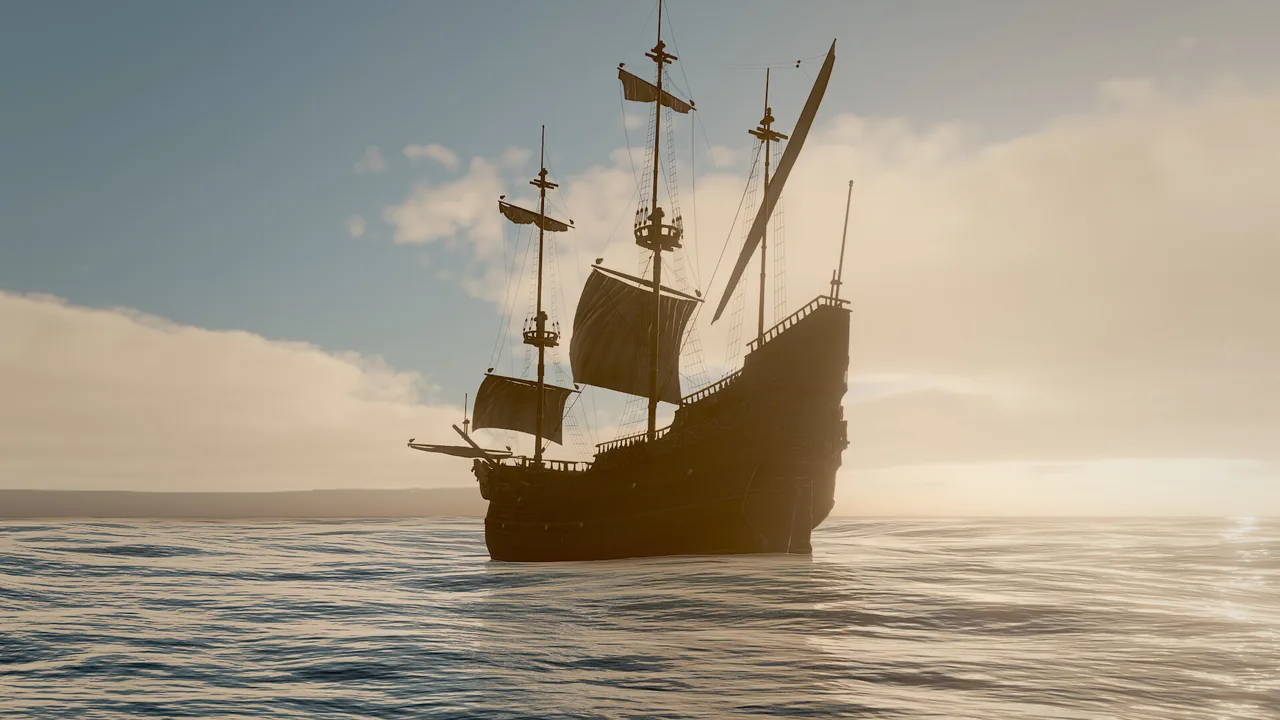
Tidebreak Isle
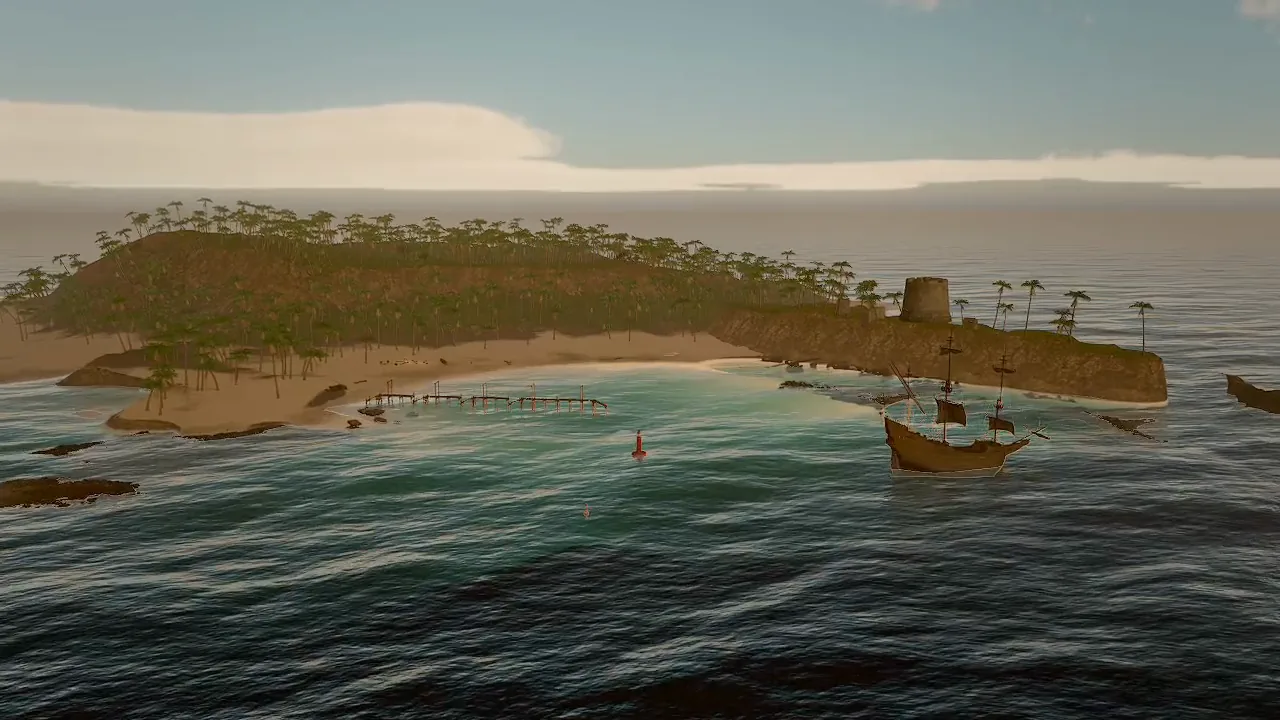
An island cove at golden hour with FFT surf, palms, a fort and a brig.
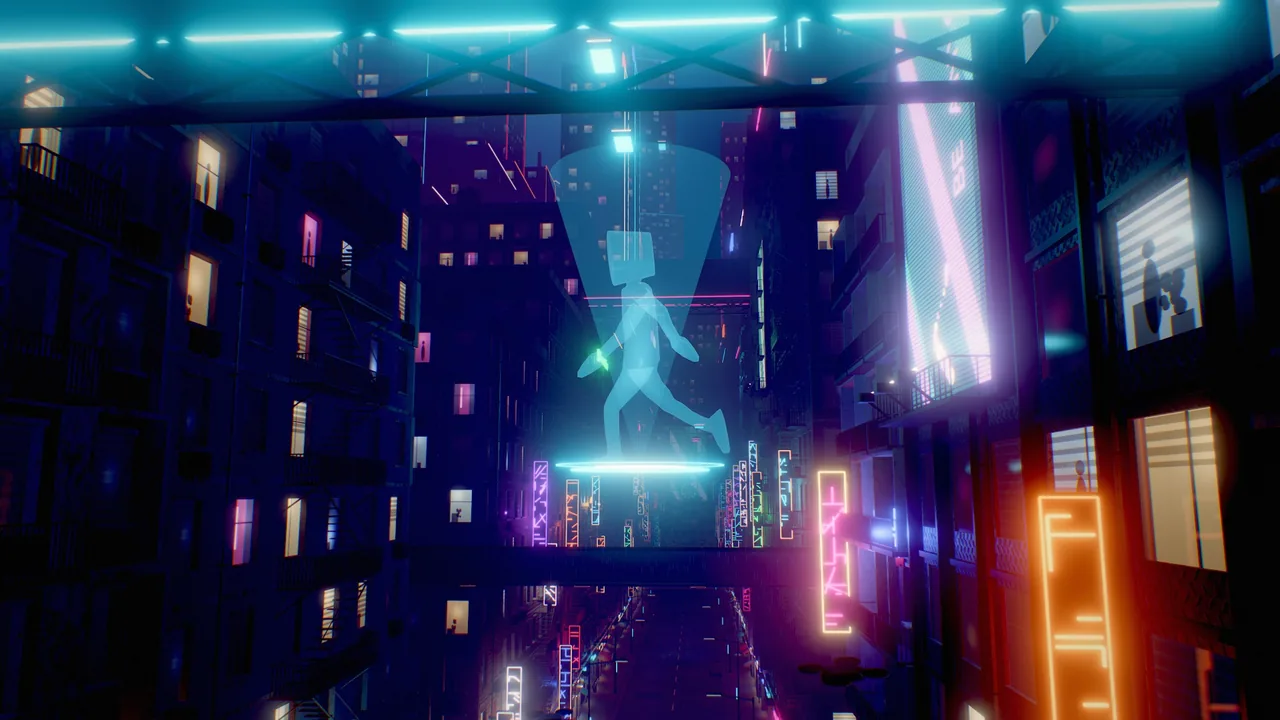
Neon Requiem
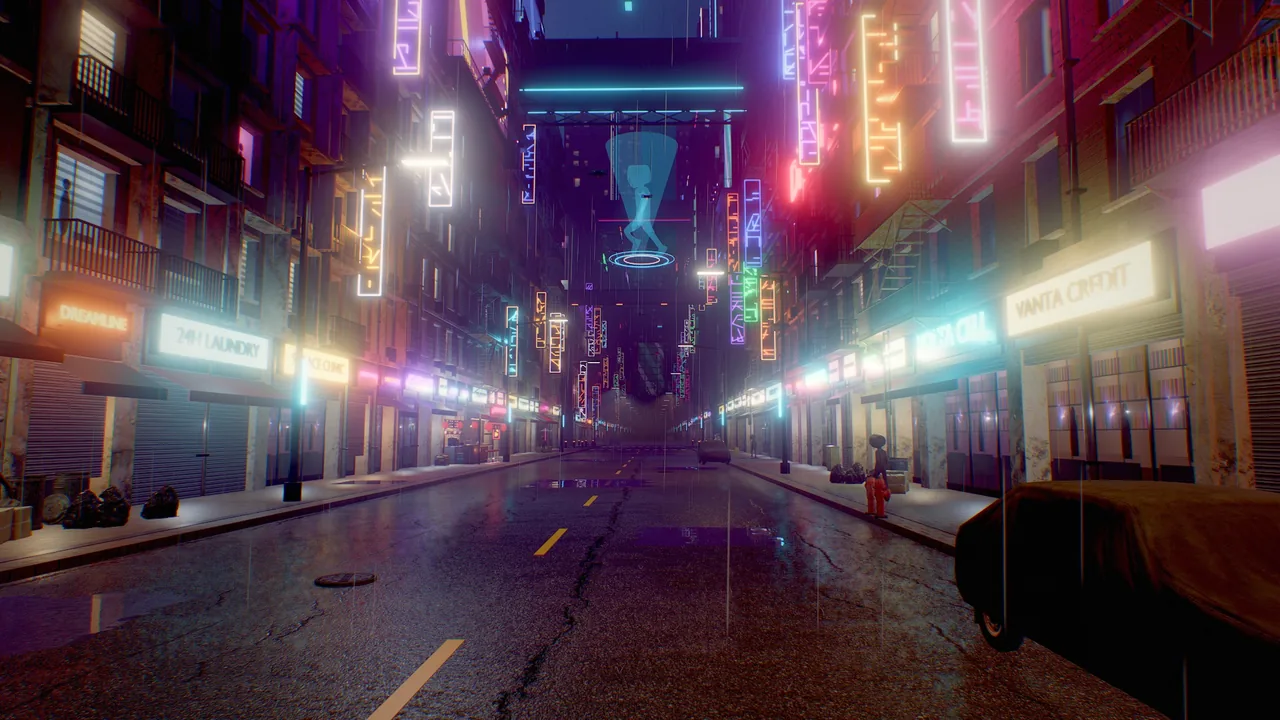
A rain-soaked neon city lit by hundreds of clustered lights.
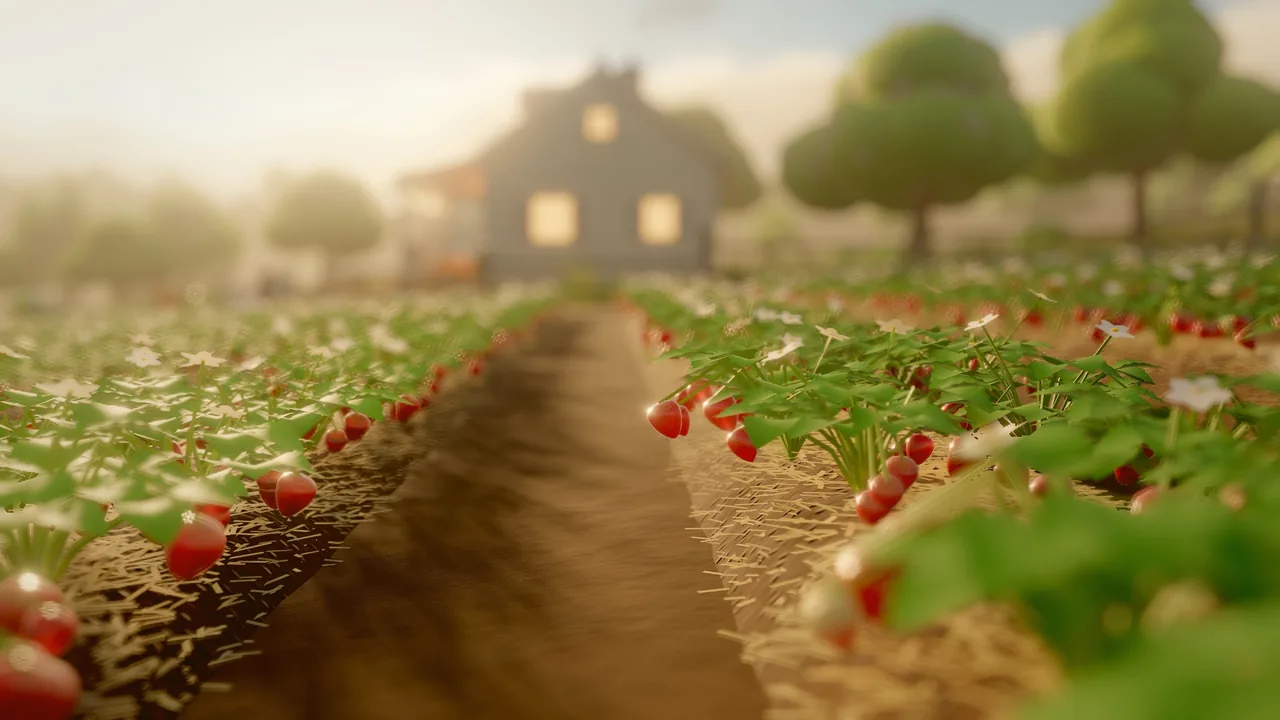
Berrybrook
A berry farm with planting, harvest and a tilt-shift lens.
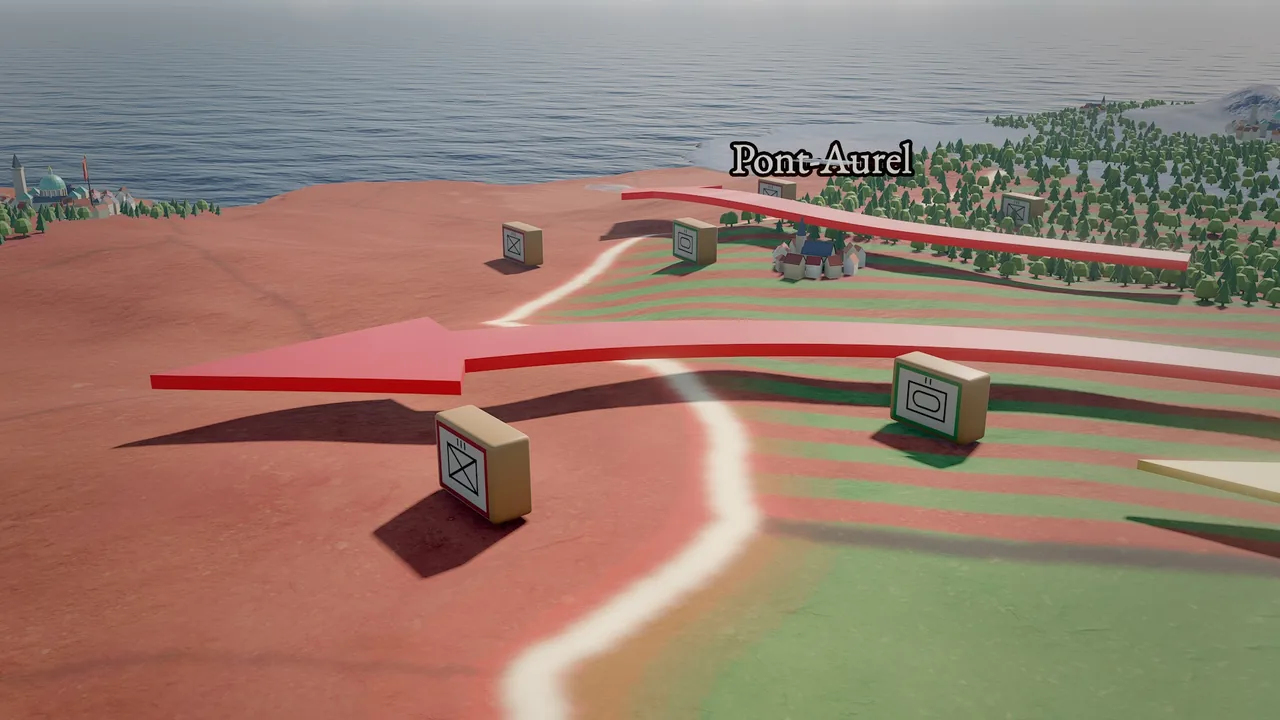
Meridian Accord
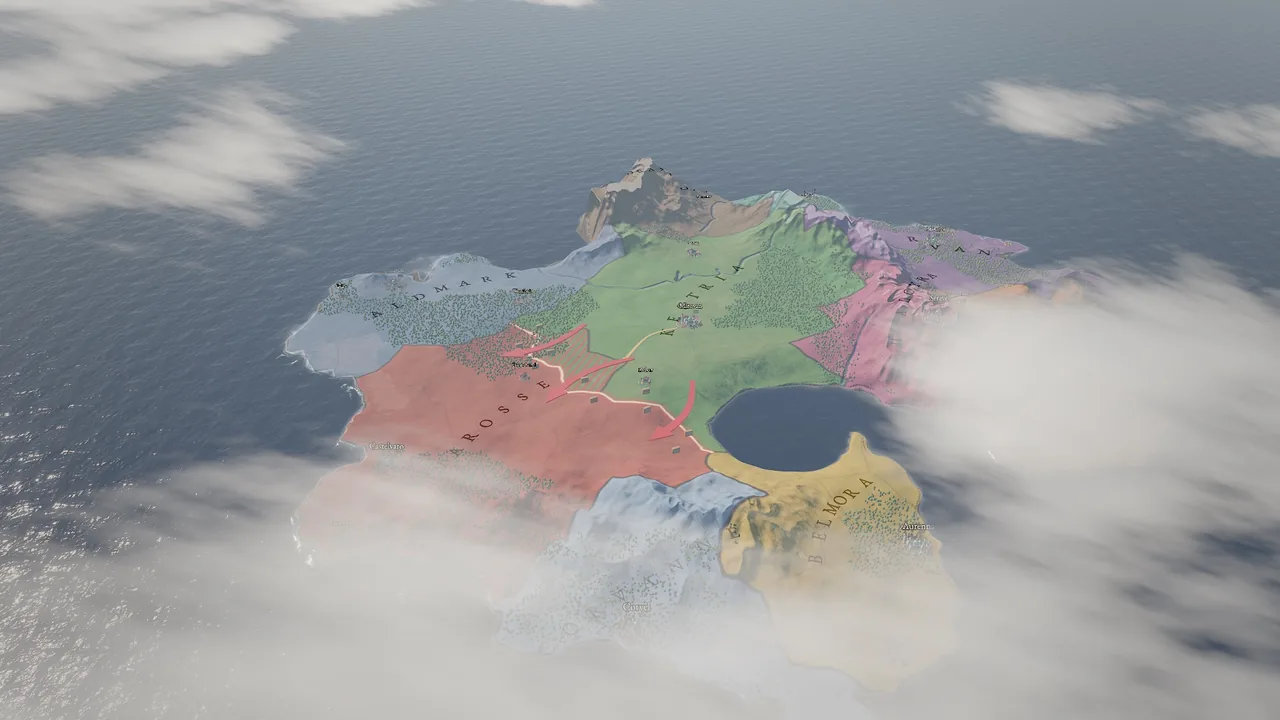
A strategy map with fronts, units, map modes and events.
All 24 example projects Showcase
Start here
| I want to… | Go to |
|---|---|
| Build the engine and open the editor | Install and build |
| Make a small game end to end | Your first game in 15 minutes |
| Let Claude Code, Codex, Gemini CLI or Cursor build with me | Connect an AI agent |
| Learn a subsystem in depth | Manual |
| Look up a tool, component, builtin or CLI flag | Reference |
Developed by AmirHossein (Amir) Razlighi · Source available under the Business Source License 1.1, free for individuals, small companies, non-profits and education.