Sky and atmosphere
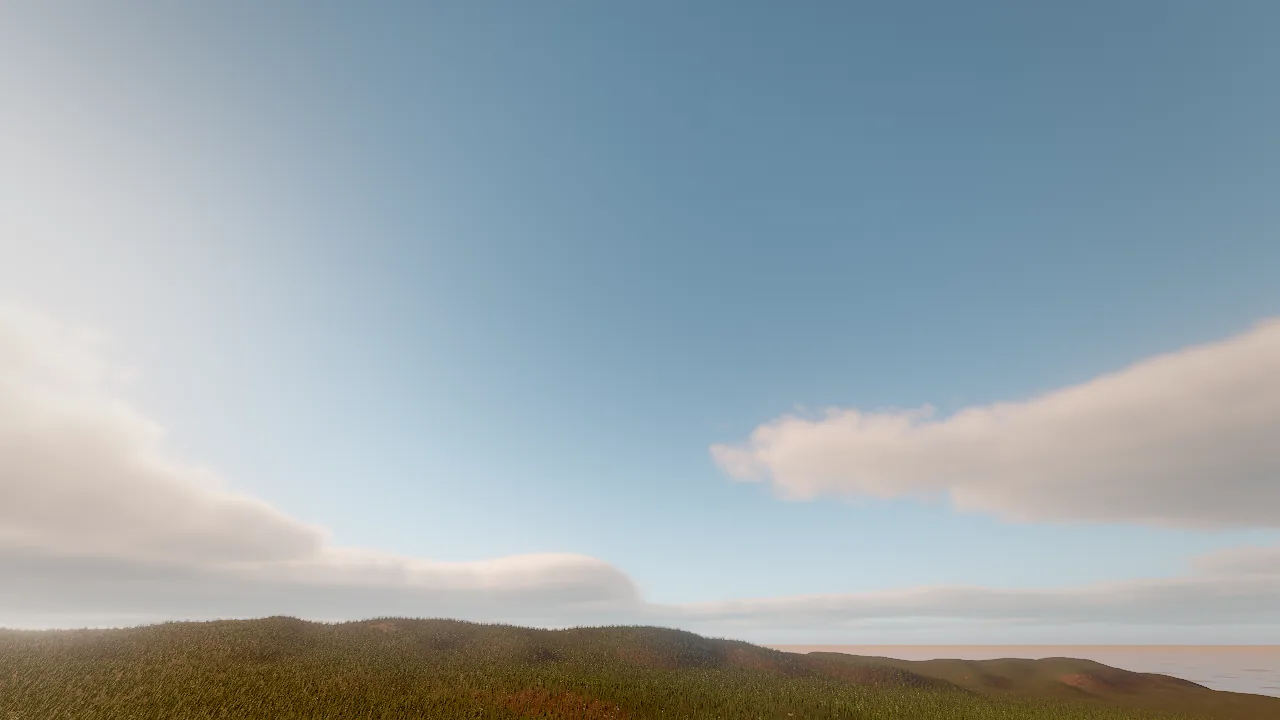
The sky is part of the scene's environment: a two-color gradient, a physically based atmosphere driven by the sun,
or a photographed HDR panorama, with volumetric clouds, stars, distance and height fog, and wind. The sky does more than
fill the background: it is rendered into a cubemap that lights and reflects every surface, so changing the sky changes
the lighting of the whole scene. All of it is set with environment_update, optionally starting from a preset.
Concepts
Sky modes
skyMode |
What it is | Key fields |
|---|---|---|
gradient (default) |
Two artist colors from horizon to zenith | skyTop, skyHorizon, ground (bounce color from below) |
atmosphere |
Rayleigh and Mie single scattering from the sun plus a multiple-scattering term, so horizons stay bright rather than brown | The sun fields drive it: sunElevation, sunAzimuth, sunColor, sunIntensity |
hdri |
A photographed equirectangular .hdr panorama lights and backs the scene |
hdri (project-relative path), hdriRotation (degrees), hdriIntensity |
With hdri, call environment_update {"align_sun_to_hdri": true} to point the sun (the direction of light and
shadows) at the brightest spot of the panorama, so cast shadows agree with the photograph. .hdr files are texture
assets; asset_download fetches openly licensed panoramas.
The sky probe
Every frame starts with the environment pass: the sky, with its clouds, is rendered into a 128² cubemap and
prefiltered into 6 roughness levels. Rough surfaces read blurry sky light from it, glossy ones sharp reflections. It
is re-baked only when the sky changes. The environment's ambient scales the diffuse sky light and reflections the
specular part (see GI and reflections).
The sun
| Field | Default | Meaning |
|---|---|---|
sunAzimuth |
35 | Compass direction in degrees (0 = +Z) |
sunElevation |
50 | Height above the horizon, −90 to 90 |
sunColor |
warm white | Light color |
sunIntensity |
1.9 | Brightness (0 to 100) |
sunSize |
1 | Sun and moon disc size multiplier |
The sun is also the only light that casts shadows; see Lighting and shadows.
Volumetric clouds
clouds sets the coverage (0 = clear). In volumetric mode, a curved cloud layer is ray-marched at half resolution
through GPU-generated Perlin-Worley noise, lit with a Beer-powder term, multiple scattering and a dual-lobe phase
function, reprojected over time in real time, and visible in reflections. Clouds cast drifting shadows on the ground.
| Field | Default | Meaning |
|---|---|---|
clouds |
0 | Cover, 0 to 1 |
cloudMode |
volumetric |
volumetric (ray-marched, lit, shadowing) or flat (a cheap painted layer) |
cloudHeight |
1500 | Base of the layer in meters (100 to 12000) |
cloudThickness |
1800 | Thickness in meters (100 to 10000) |
cloudDensity |
1 | 0.3 wispy to 2 stormy (up to 4) |
cloudScale |
1 | Feature size: 0.5 small puffs to 3 huge banks (0.1 to 8) |
cloudSpeed |
8 | Drift in m/s along windDirection |
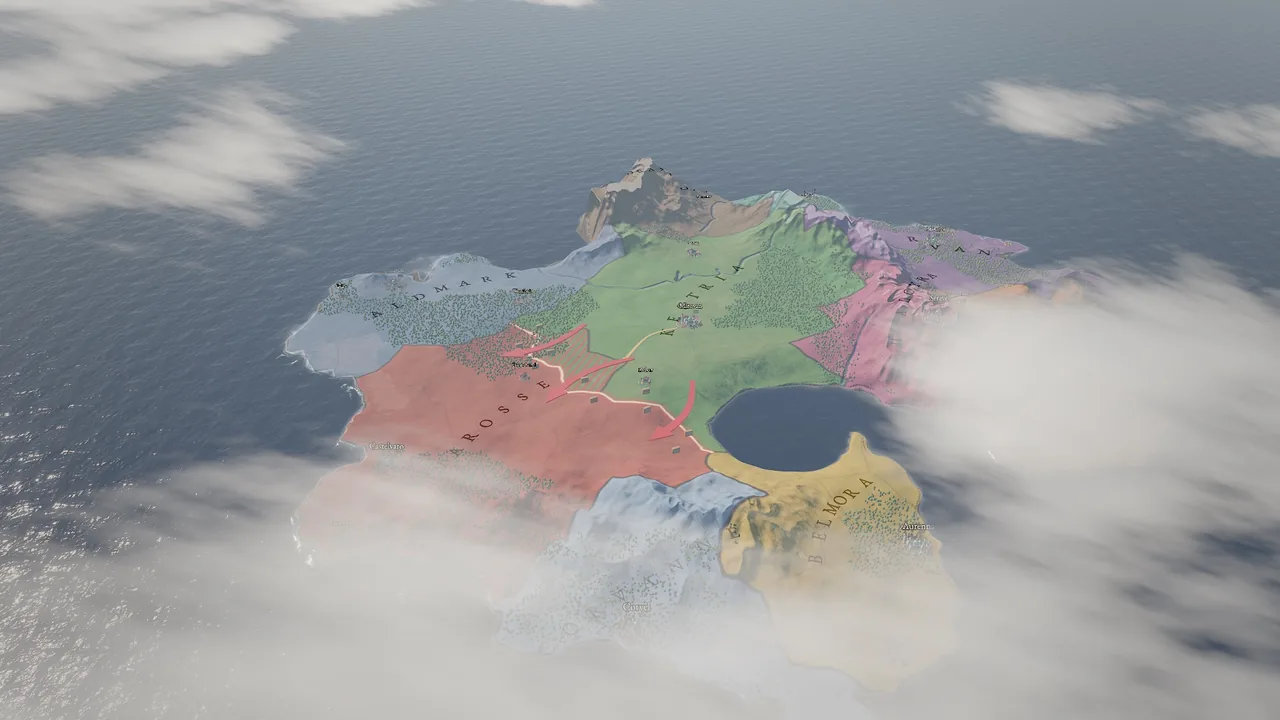
Clouds below the camera. When the camera is above or inside the layer (a strategy map, a flight), clouds are
composited over the ground seen through them, not only over the sky. For map-scale scenes use a low layer and small
features, for example cloudHeight: 330, cloudThickness: 150, cloudScale: 0.1.
Stars
stars (0 to 1) adds a star field that fades in as the sky darkens, so the same value works through a sunset.
Fog
| Field | Default | Meaning |
|---|---|---|
fogColor |
pale blue | Fog color |
fogDensity |
0.004 | Exponential distance fog (0 = off) |
fogHeight |
0 | Above 0, fog pools near the ground: graveyards, swamps, valleys (up to 2) |
Fog in-scatters warm light toward the sun, so fog lit from behind glows. Distance fog is separate from the
volumetric haze that light shafts scatter in (haze, godRays, see
Lighting and shadows).
Wind
windSpeed (m/s, 0 to 60, default 2) and windDirection (degrees, the direction the wind blows toward, 0 = +Z) carry
smoke, rain, snow and every particle emitter whose wind is above 0, and set the direction clouds drift in. Water and
foliage have their own wind settings on their components.
Presets
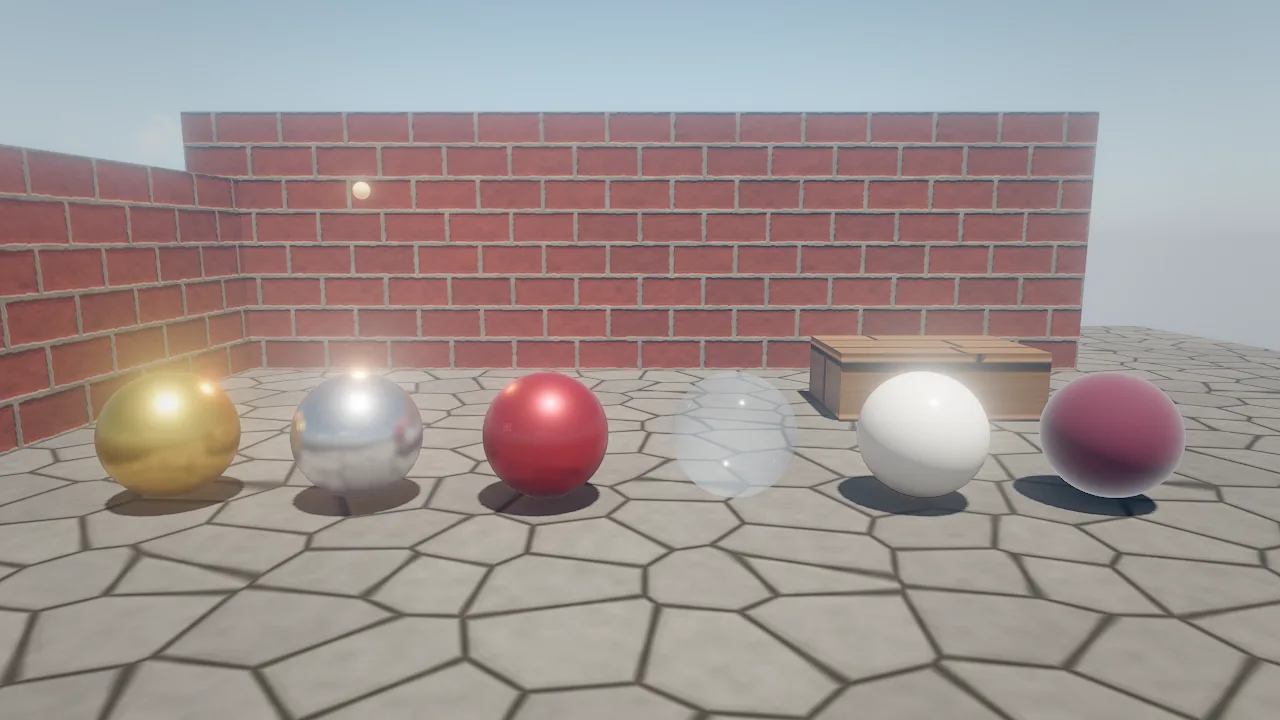
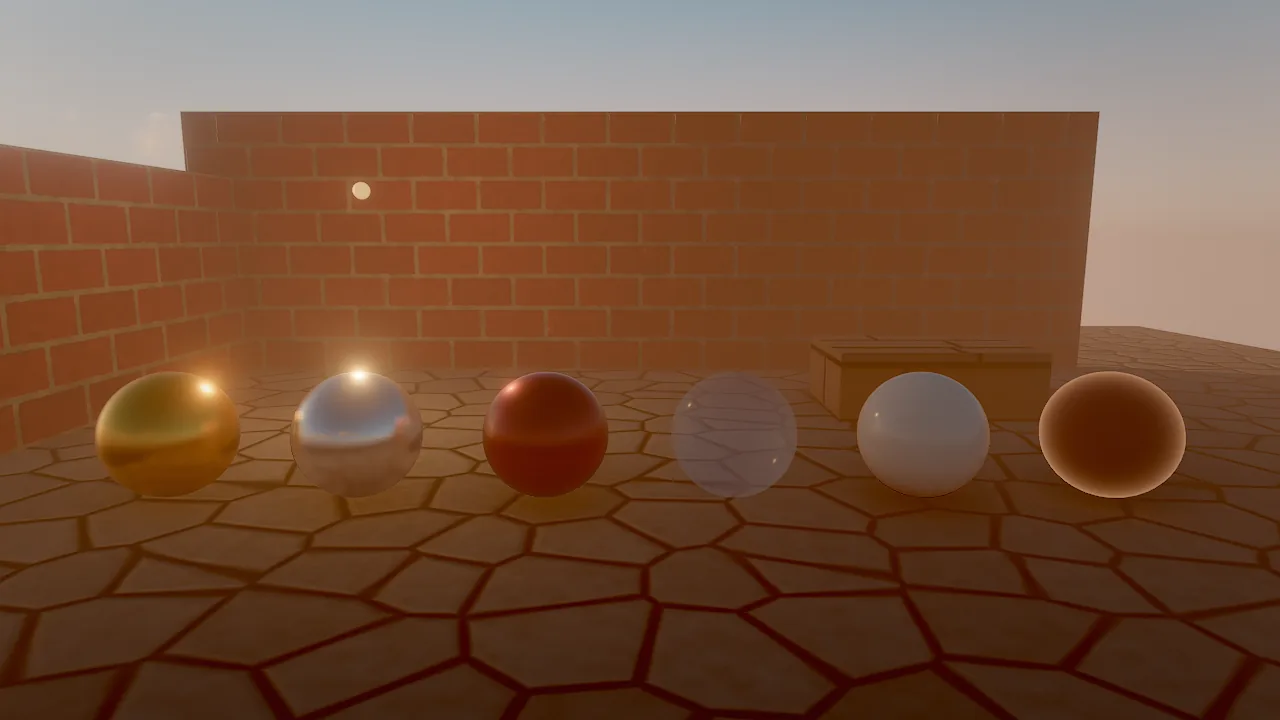
environment_update accepts a preset, applied first, so other fields in the same call override it:
| Preset | Sun | Sky and fog | Ambient, exposure |
|---|---|---|---|
noon |
Elevation 70°, intensity 2.6 | Deep blue to pale horizon, light fog | 0.4, 1 |
sunset |
Elevation 8°, azimuth 250°, orange, 2.4 | Indigo to orange, warm fog | 0.3, 1.1 |
night |
Elevation 35°, pale blue moonlight, 0.35 | Near-black blue, denser fog | 0.12, 1.3 |
overcast |
Elevation 60°, gray-white, 0.6 | Gray sky and fog | 0.85, 1 |
studio |
Elevation 45°, white, 2 | Dark neutral gray, no fog | 0.55, 1 |
Presets set gradient colors, sun, ambient, fog and exposure; they do not change skyMode, clouds, tonemapping or grading.
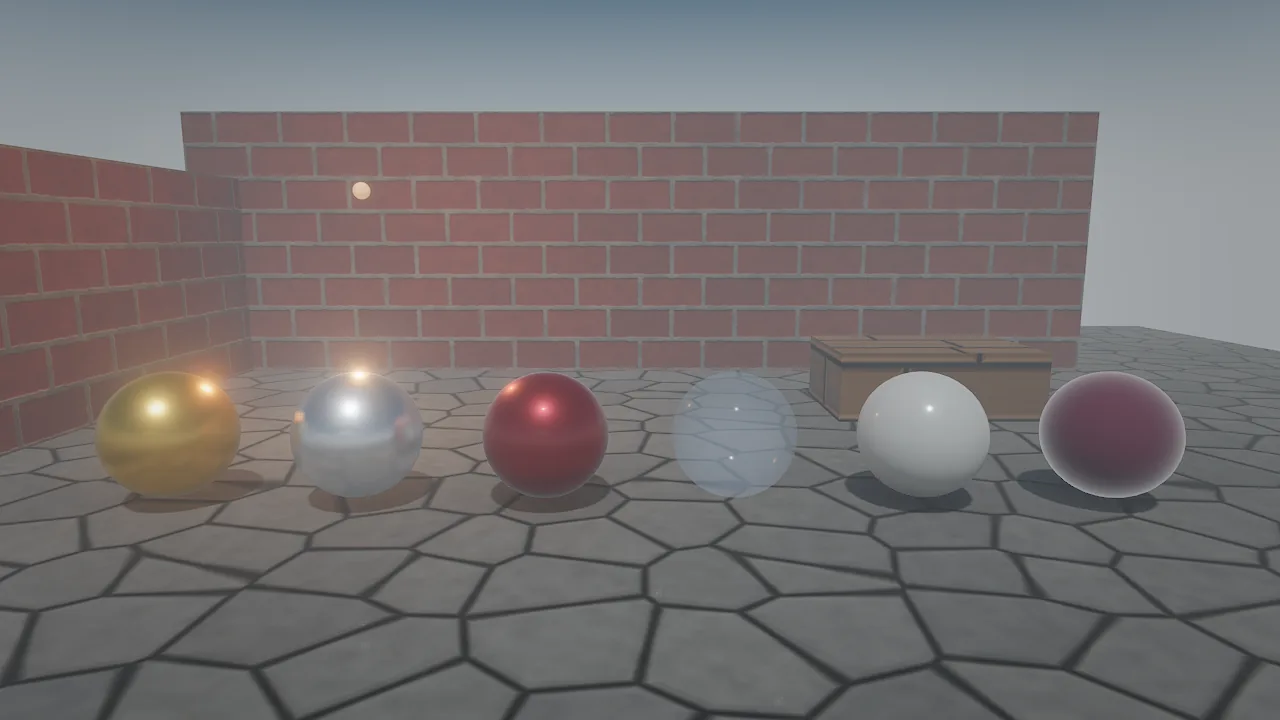
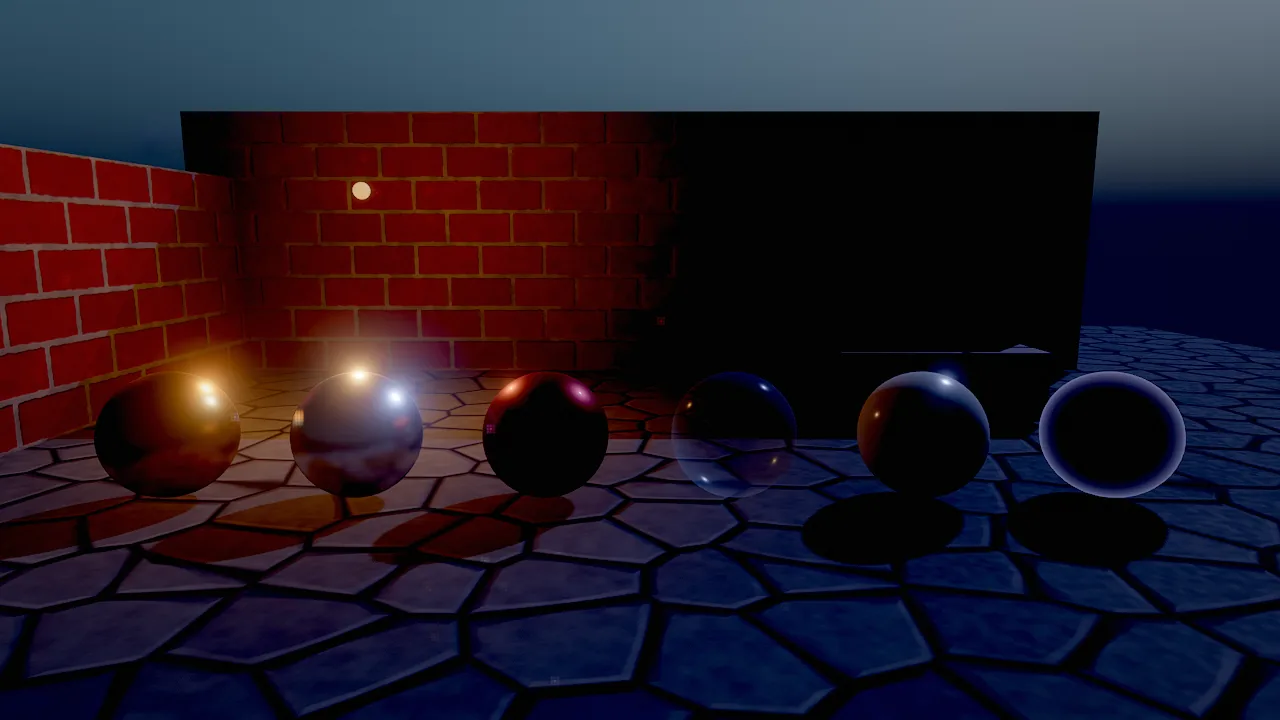
How to set up a sky
environment_get returns every current value. Environment edits are undoable like entity edits.
Recipe: a day that turns to night
Scripts do not write the environment directly, but sequences key any environment field. A looping two-minute sequence that sets the sun and fades in the stars:
sequence_create {"path": "cinematics/day_cycle.sequence.json", "duration": 120, "loop": true, "entity": "Day Cycle"}
sequence_key {"sequence": "cinematics/day_cycle.sequence.json", "keys": [
  {"property": "environment.sunElevation", "t": 0, "value": 60, "ease": "smooth"},
  {"property": "environment.sunElevation", "t": 60, "value": -8, "ease": "smooth"},
  {"property": "environment.sunElevation", "t": 120, "value": 60, "ease": "smooth"},
  {"property": "environment.stars", "t": 50, "value": 0},
  {"property": "environment.stars", "t": 65, "value": 0.8},
  {"property": "environment.stars", "t": 110, "value": 0}
]}
environment_update {"skyMode": "atmosphere", "clouds": 0.3}
sim_control {"action": "play"}
sim_control {"action": "step", "ticks": 3600}
viewport_capture {"view": "scene", "samples": 4}
The atmosphere sky follows the sun by itself: it reddens near the horizon and darkens below it. Sequences run in the
simulation, so the environment returns to its edit-time values when play stops. A Wander behavior can start or seek
the cycle with play_sequence(find("Day Cycle"), 30).
Recipe: an aerial strategy map
environment_update {"skyMode": "atmosphere", "clouds": 0.5, "cloudHeight": 330, "cloudThickness": 150, "cloudScale": 0.1, "cloudDensity": 0.8, "cloudSpeed": 4}
viewport_capture {"eye": [0, 900, -700], "target": [0, 0, 0], "samples": 8}
Pitfalls
- Presets reset sun and sky colors. Apply a preset first, then your overrides in the same or a later call.
hdrineeds a file.skyMode: hdriwithouthdrihas nothing to show; the path is project-relative.- Cloud cover of 0 hides every cloud setting. Set
cloudsabove 0 before tuning height, scale or density. - Volumetric clouds cost GPU time. In heavy scenes compare
profile.groups.cloudswithperf_statsand switch tocloudMode: flatif needed. - Fog hides distance. A high
fogDensitymakes large worlds look small; preferfogHeightfor low-lying mist.
For agents
Read before you write, change the sky in one call, then judge it at final quality:
environment_get {}                                       # current sky, sun, fog, clouds, grading
environment_update {"preset": "sunset", "skyMode": "atmosphere", "clouds": 0.35}
viewport_capture {"view": "scene", "samples": 8}         # clouds and GI need samples to converge
perf_stats {"frames": 30, "passes": true}                # check profile.groups.clouds and environment
Reference
- Tools:
environment_update,environment_get,sequence_key,asset_download - Component:
environment - Wander:
play_sequence - Design: docs/RENDERING.md (Sky, atmosphere and clouds; Environment)