How agents see
An agent that cannot see its work guesses. Skywalker gives agents the same view a person has, plus structured data a person never needs: the screen box and id of every visible entity, the G-buffer channels, orthographic layout views, numeric traces of the simulation and per-pass GPU timings. This page lists them and shows when to use which.
Captures with ids
viewport_capture renders the scene and returns a PNG plus every visible entity with its on-screen box
[x, y, w, h] and distance, nearest first. With annotate: true (the default) each entity's #id is drawn on the
image, so the model can match what it sees to ids ("move #7 left of #3"). This is set-of-mark prompting built into
the renderer.
Rendered 640x360. Visible entities (nearest first):
#6 Hero box [311,206,17,37] dist 10.5
#10 Lantern box [285,171,12,12] dist 12.0
#5 Crystal box [367,143,49,37] dist 12.6
#1 Island box [0,140,640,219] dist 13.6
#4 Tower Roof box [206,65,69,47] dist 14.5
| Argument | Use |
|---|---|
view |
editor (the human's camera, default) or scene (the game camera) |
camera_entity, eye + target + fov |
Any other viewpoint |
samples |
1 for fast previews; 8–32 for final judgement (anti-aliased, noise-free GI and reflections) |
annotate, overlays |
Turn off labels, grid and gizmos for beauty shots |
include_image: false |
Only the entity list: cheap visibility checks |
debug_view, clay |
Buffers, diagnostic views, matte clay |
aperture, focus_distance, tilt_shift |
Lens effects for a still |
quality |
full (default), balanced, fast |
save_path |
Also write the PNG into the project |
alpha, frame_handlers |
Render between two ticks, run cosmetic on frame handlers |
Iterate cheap, finish expensive
Explore with {"width": 640, "height": 360, "samples": 1}, judge looks at 8 or more samples, and request
include_image: false when you only need to know what is visible.
Layout: four views in one image
viewport_multi returns one image with a perspective view and top, front and side orthographic views. Alignment,
spacing and floating objects are obvious in orthographic views.
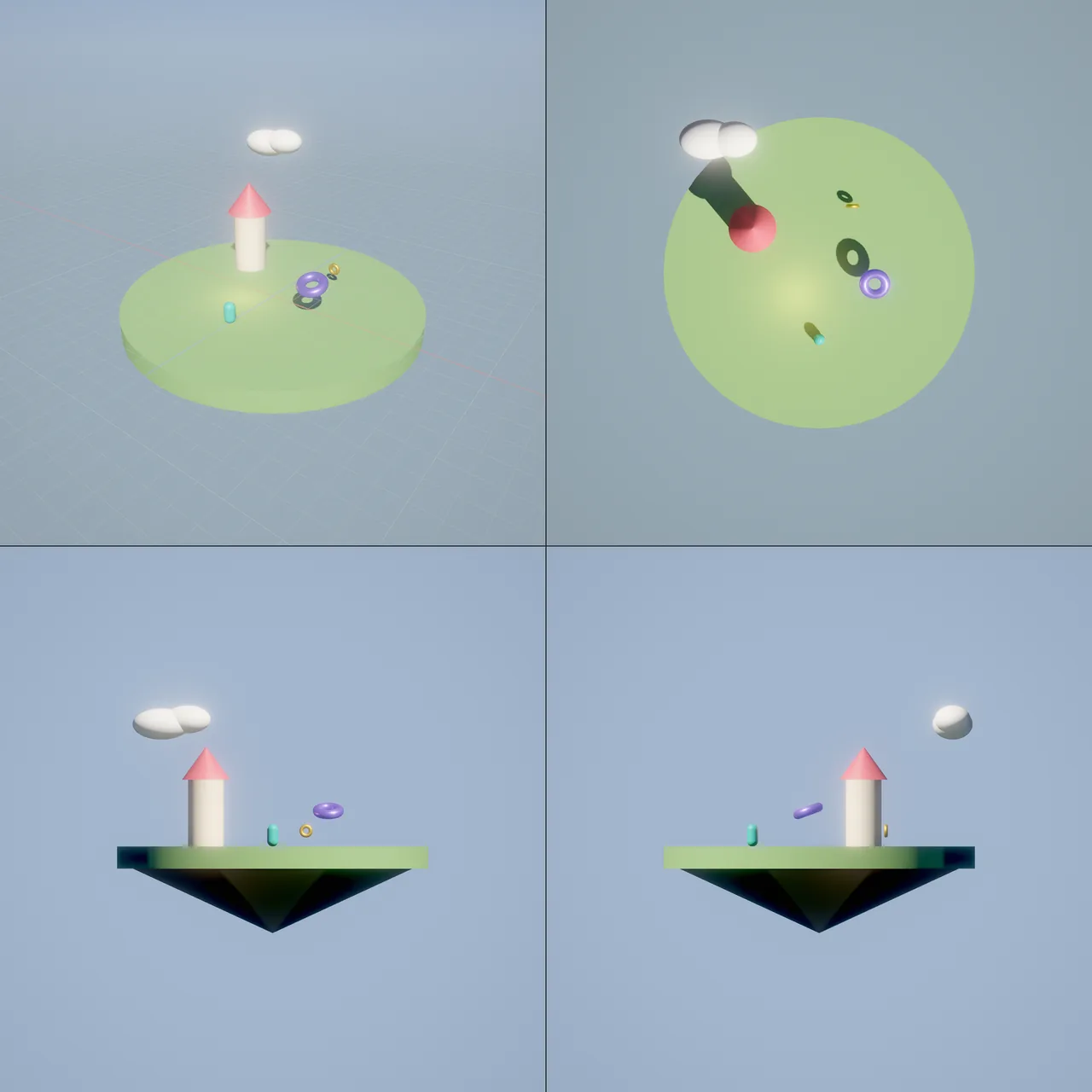
viewport_multi on examples/hello_sky: perspective, top, front and side.Diagnose with debug views
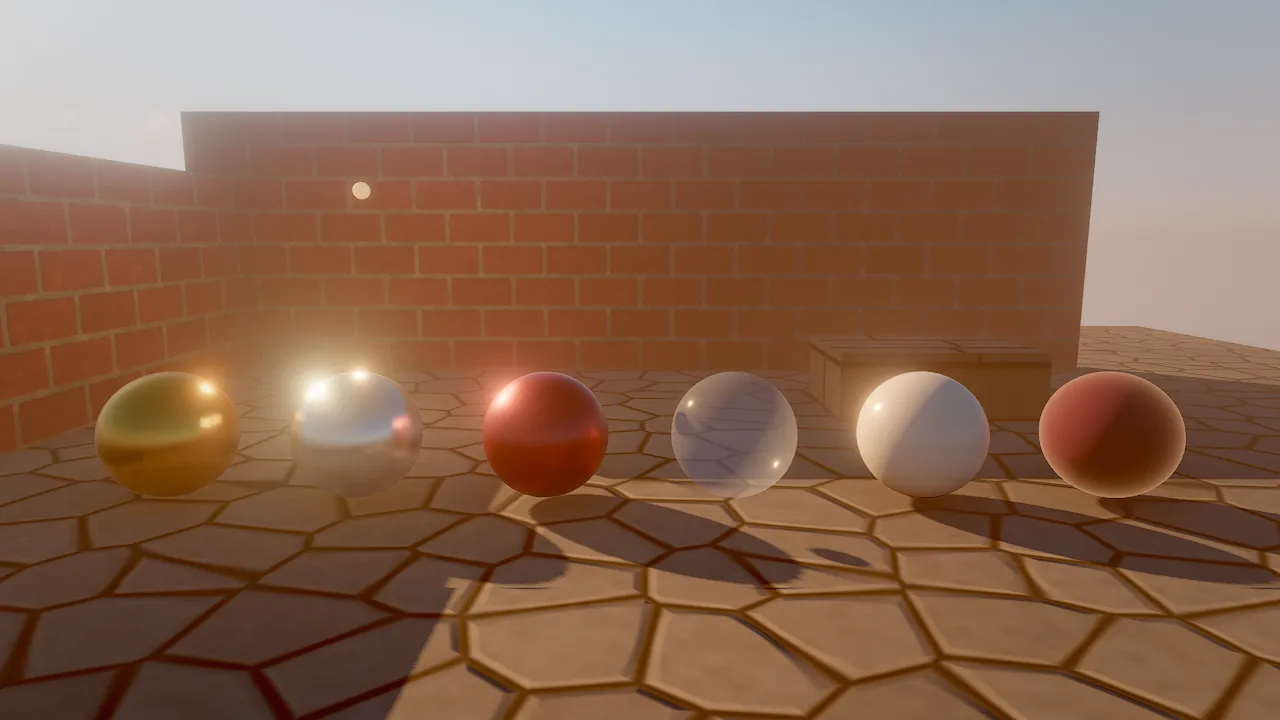
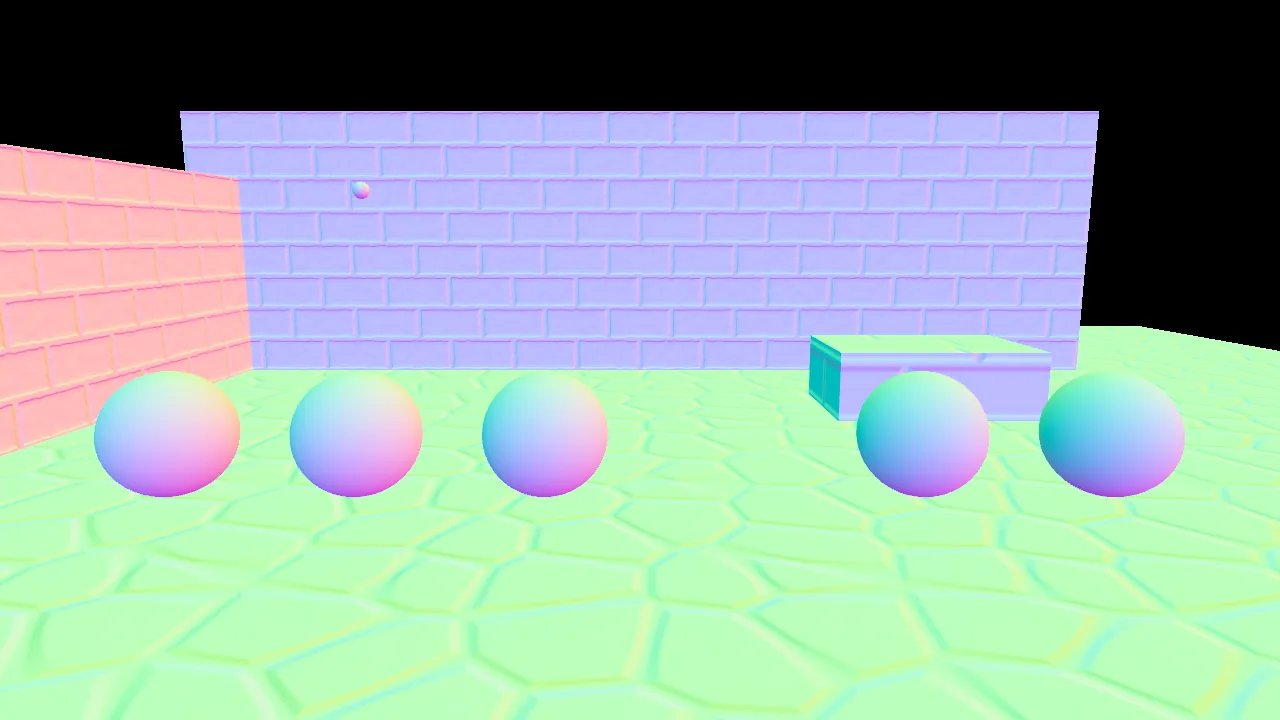
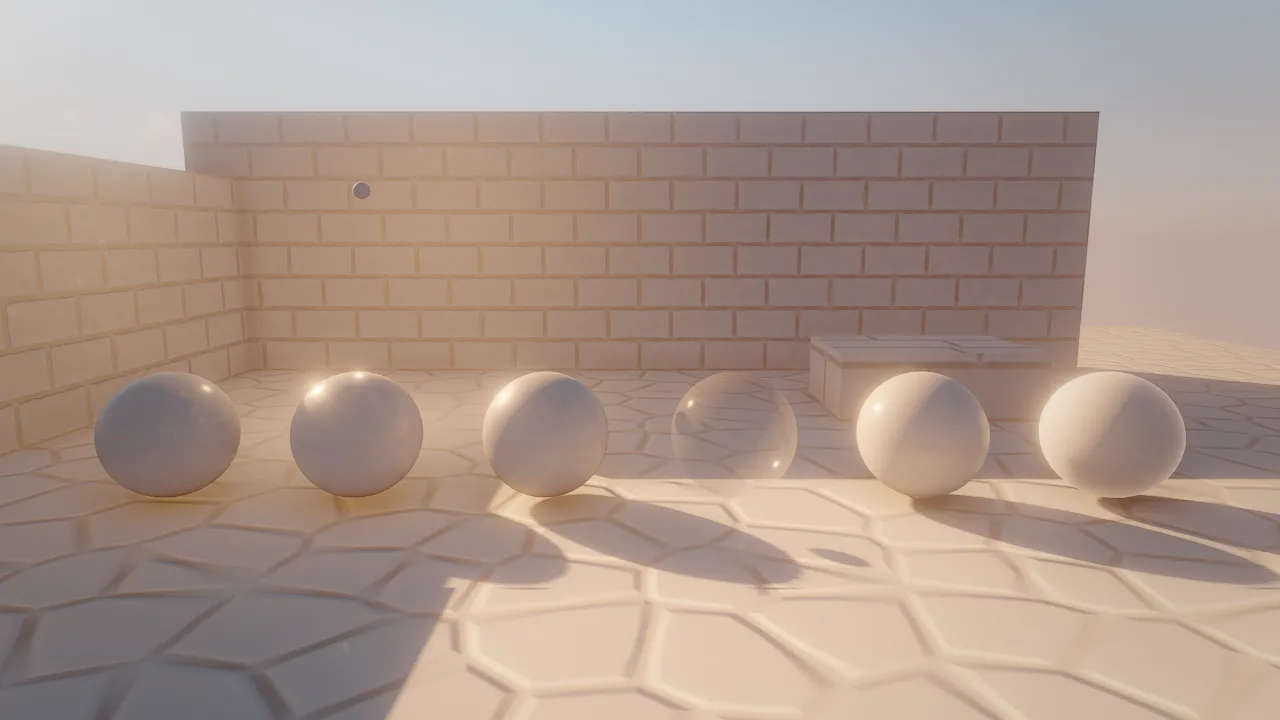
Debug views replace the image with one channel or a diagnostic so the agent can answer "why does it look wrong" or "why is it slow" without guessing.
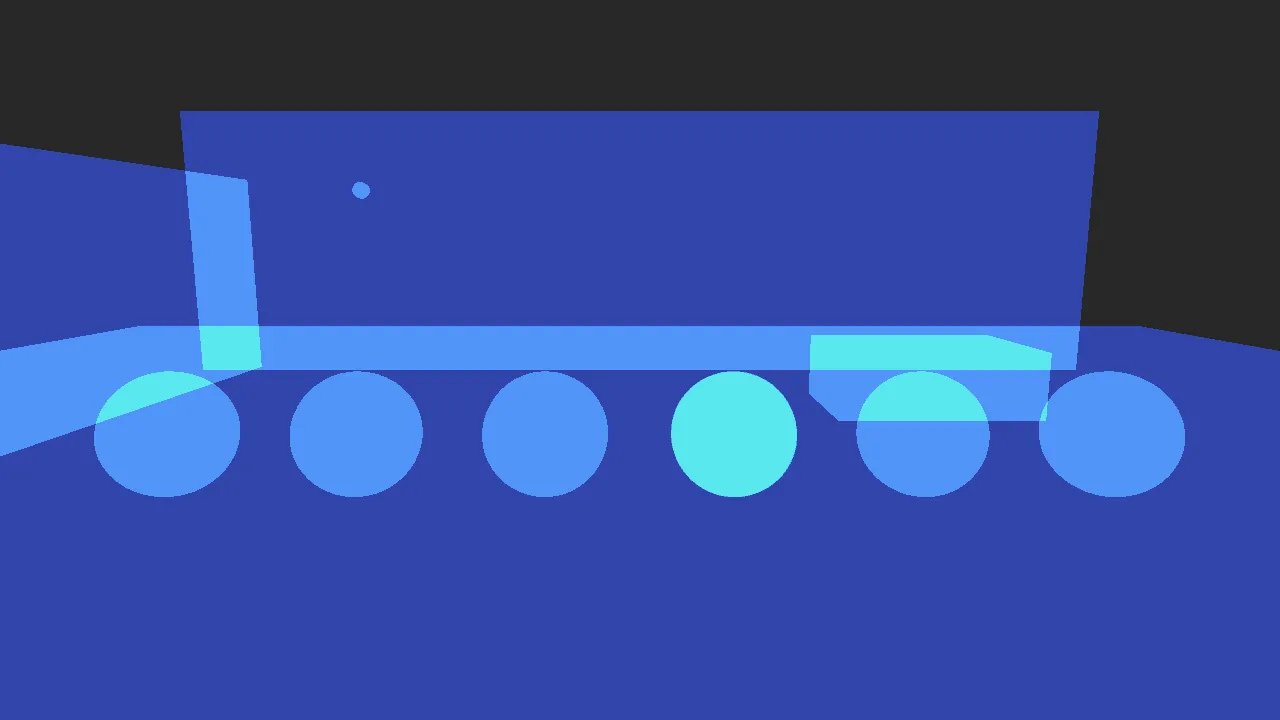
| Question | Capture |
|---|---|
| Is the texture or base color wrong? | {"debug_view": "albedo"} |
| Are normals flipped or normal maps broken? | {"debug_view": "normals"} |
| Is roughness or metalness off? | {"debug_view": "material"} |
| Where does light come from, without textures? | {"debug_view": "lighting_only"} |
| Is GI or AO doing anything? | {"debug_view": "gi"}, {"debug_view": "ao"} |
| Too many layers of transparency or grass? | {"debug_view": "overdraw"} |
| Are LODs and impostors working? | {"debug_view": "lod"}, {"debug_view": "impostors"} |
| Too many lights per pixel? | {"debug_view": "light_complexity"} |
| Stretched UVs, texel density? | {"debug_view": "uv_checker"}, {"debug_view": "texel_density"} |
| Did it move between ticks? | {"debug_view": "motion", "samples": 1} after a sim_control step |
viewport_debug_view switches the live editor viewport instead, so the human sees the same thing; {"list": true}
returns every view with its color legend. See Debug views.
Numbers instead of pixels
Many questions have numeric answers. Prefer them to eyeballing.
| Question | Tool |
|---|---|
| Where exactly is it? What does it contain? | entity_get, scene_query |
| What is under this pixel? | viewport_pick, raycast {x, y, width, height} |
| Where is the ground? | raycast straight down, terrain_query |
| Did the jump happen? Does the score increase? | sim_trace over N ticks |
| What happened in the scripts? | logs, wander_inspect |
| Is the frame fast enough? Where does the time go? | perf_stats {"frames": 30, "passes": true} |
| What does the audio sound like? | audio_info (loudness in LUFS, clipping, loop seams) |
| Is the level fair? | playtest_run (deaths, completion, stuck time, heatmap) |
sim_trace {"entities": ["Player"], "properties": ["transform.position", "vars.coins"], "ticks": 120, "every": 10}
perf_stats {"frames": 30, "passes": true, "view": "scene"}
Seeing what the human sees
When attached to the editor, the agent and the person look at the same scene:
selection_get resolves "this" and "these"; camera_set and selection_set show the person what the agent means.
The person's live viewport runs a quality tier (fast by default) while captures render full quality, so a capture can
look richer than the live view; viewport_quality changes the tier.