Debug views
Debug views replace the final image with one ingredient of it: a G-buffer channel, a lighting term, a geometry statistic or a stylized pass. You use them to answer specific questions: is this light placed well, is this texture stretched, why is this frame slow, which shadow cascade covers the player. The same views work in the live editor viewport, in single captures and in movie renders.
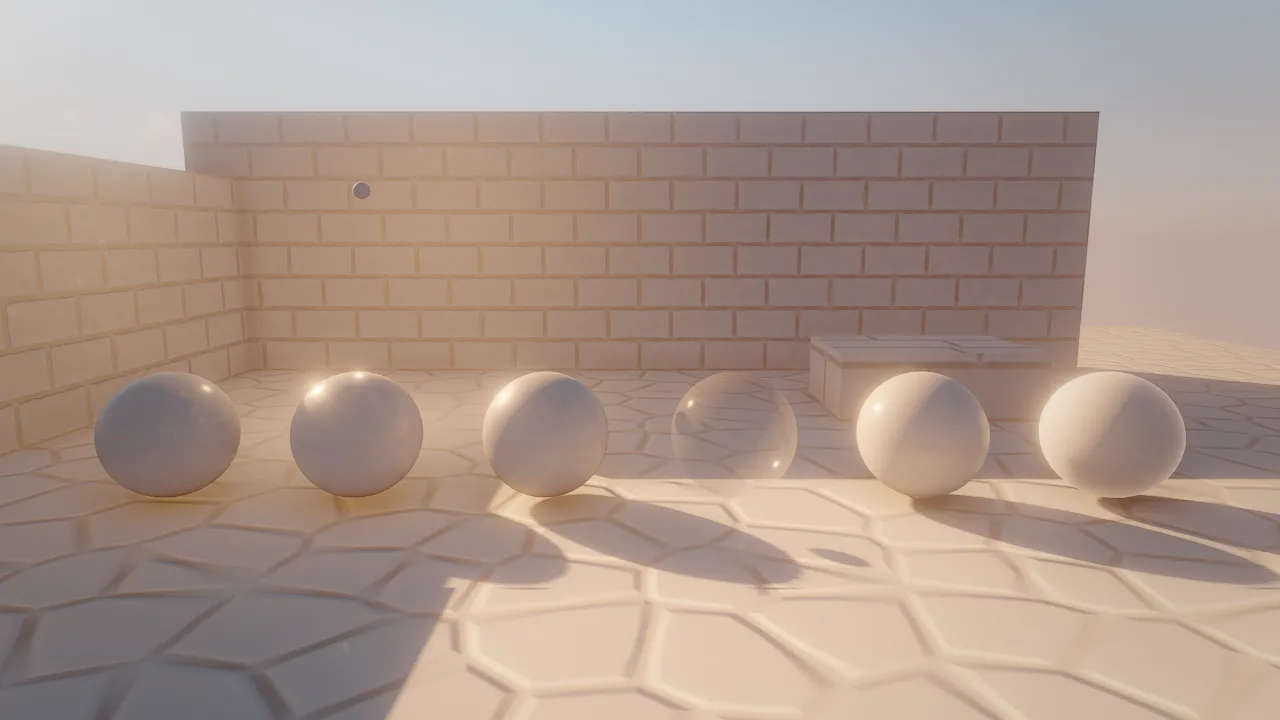
debug_view: "lighting_only": the courtyard's lighting, shadows and GI on a white material; normal maps still shape the surfaces, base colors are gone.Concepts
Two ways to show a view
| Tool | Where | When |
|---|---|---|
viewport_debug_view {"view": "overdraw"} |
The live editor viewport, which the human sees too. "final" turns it off; omit view to read the current one; {"list": true} returns every view with its color legend. |
Showing a person what you mean, or working in a view for a while |
viewport_capture {"debug_view": "overdraw"} |
One image, returned to the caller | Agents checking something without changing what the human sees |
movie_render {"debug_view": "sketch"} |
Every frame of a movie | Breakdown reels and "sketch to final" sequences |
Unknown view names fail with a did-you-mean hint.
How views are drawn
Surface views (unshaded through light_complexity in the table below) replace each lit surface's color in the
shaders and are shown without tonemapping, so legend colors are exact; the sky becomes a neutral backdrop. Water,
particles and fluids are not part of them. Buffer views (albedo, normals, material, gi, reflections, ao,
depth, lighting) show the renderer's intermediate buffers. clay: true on viewport_capture (or movie_render)
renders every surface as matte white clay; it is a flag rather than a view, so it combines with the final image.
Every view
| View | Shows | Use it to |
|---|---|---|
final |
The normal image | Turn a debug view off |
albedo |
Base color without lighting | Check textures and colors, find surfaces that are too dark or too saturated |
normals |
Surface normals as color | Find flipped normals and broken normal maps |
material |
Roughness in red, metallic in green | Check PBR values at a glance |
depth |
Scene depth | Check depth of field focus, fog and near-plane problems |
lighting |
Lighting before screen-space GI and reflections | See what SSGI and SSR add |
gi |
Screen-space global illumination | Tune gi, giDistance, emissive bounce |
reflections |
Screen-space reflections | Tune ssr and roughness |
ao |
Screen-space ambient occlusion | Tune ao, aoRadius |
unshaded |
Albedo and emission, no lights, shadows or fog | Read the scene's colors in the dark |
lighting_only |
Lighting on a white material: light placement, shadows and GI without textures | Place and balance lights |
emission |
Emissive light only | Find what glows and how much |
specular |
Specular reflectance (F0 × glossiness): dielectrics dark gray, metals their tint | Find metals that should not be, and vice versa |
wireframe |
Dark surfaces with every mesh and terrain triangle edge in cyan, depth-tested | Check topology and LOD density |
overdraw |
Fragments per pixel without depth test (meshes, terrain, foliage, impostors) | Find stacked transparent quads and dense grass |
lod |
Level of detail per draw | Check that distant things use coarser LODs |
uv_checker |
An 8×8 checker per UV tile, tinted by U (red) and V (green) | Find stretched, seamed or flipped UVs |
texel_density |
Base-color texels per meter | Keep texture resolution consistent across the scene |
shadow_cascades |
Which sun cascade covers each pixel | Tune shadowDistance, find cascade seams |
light_complexity |
Point and spot lights in each pixel's light cluster | Find areas with too many overlapping lights |
sketch |
Pencil contours and hatching | Stylized breakdowns, "sketch to final" sequences |
impostors |
The final image with foliage meshes tinted green and impostors magenta | Check foliage impostor transition distances |
motion |
The velocity buffer over a dimmed gray image: hue = direction, strength = speed (log scale, faint at 0.25 px, full at 15 px per frame) | Check motion vectors for TAA, upscaling and motion blur |
shadow_atlas |
The point and spot light shadow maps (4 quadrants, white = near the light), outlined per light | Find lights without a shadow, over budget or with too small a slot |
Legends
| View | Colors |
|---|---|
overdraw, light_complexity |
black 0, dark blue 1, blue 2, cyan 3, green 4, yellow 5–6, orange 7–9, red 10–15, white 16 or more |
lod |
green LOD0, yellow 1, orange 2, red 3, magenta 4 and coarser; foliage by its distance band's LOD, impostors purple, terrain by its LOD node level |
texel_density |
blue below 128 texels/m, cyan 256, green 512 (the target), yellow 1024, red above 2048; gray = untextured |
shadow_cascades |
red cascade 0 (nearest), green 1, blue 2, yellow 3; gray beyond the shadow distance |
shadow_atlas |
outline green = re-rendered this frame, blue = from the cache, orange = waiting for the update budget |
material |
red = roughness, green = metallic |
uv_checker |
red rises with U, green with V; cells fade to gray where they are smaller than a pixel; terrain shows one cell per texture repeat |
Gallery
All images show the same look-dev courtyard: generated cobblestone and brick textures, six spheres in the presets gold, chrome, car_paint, glass, ceramic and velvet, a warm point lamp on the back wall, and an atmosphere sky at sunset.
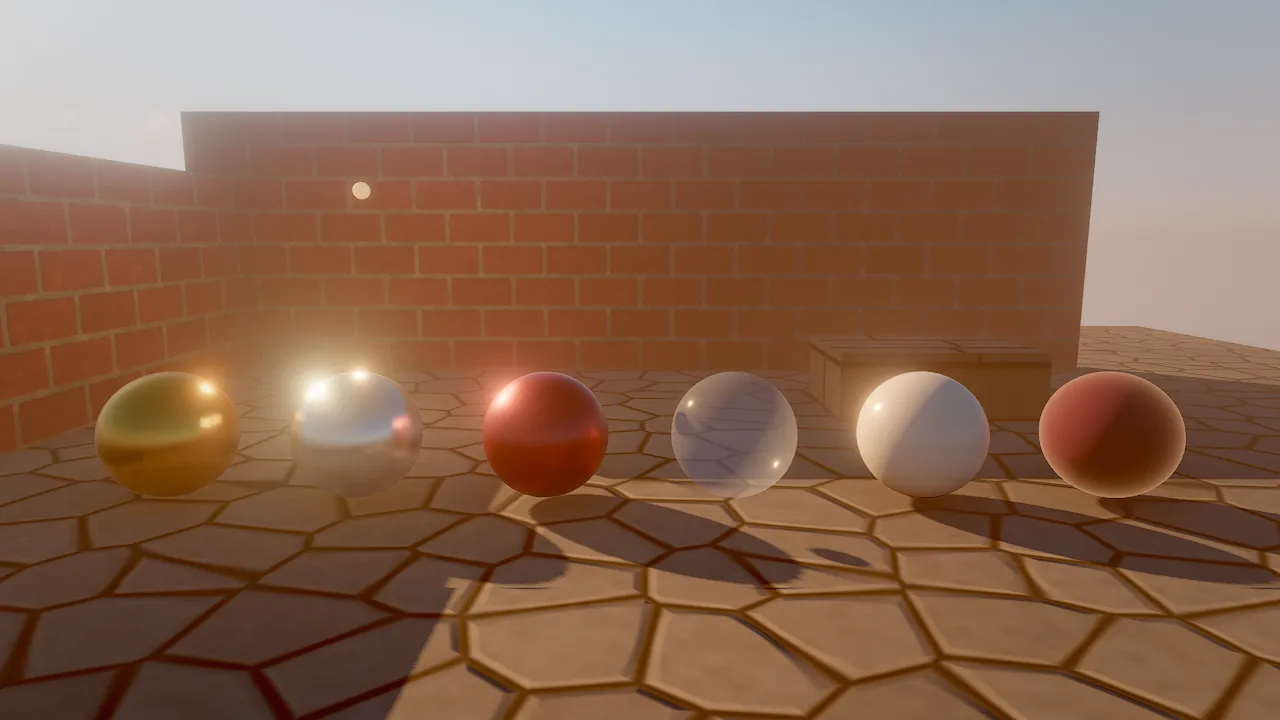
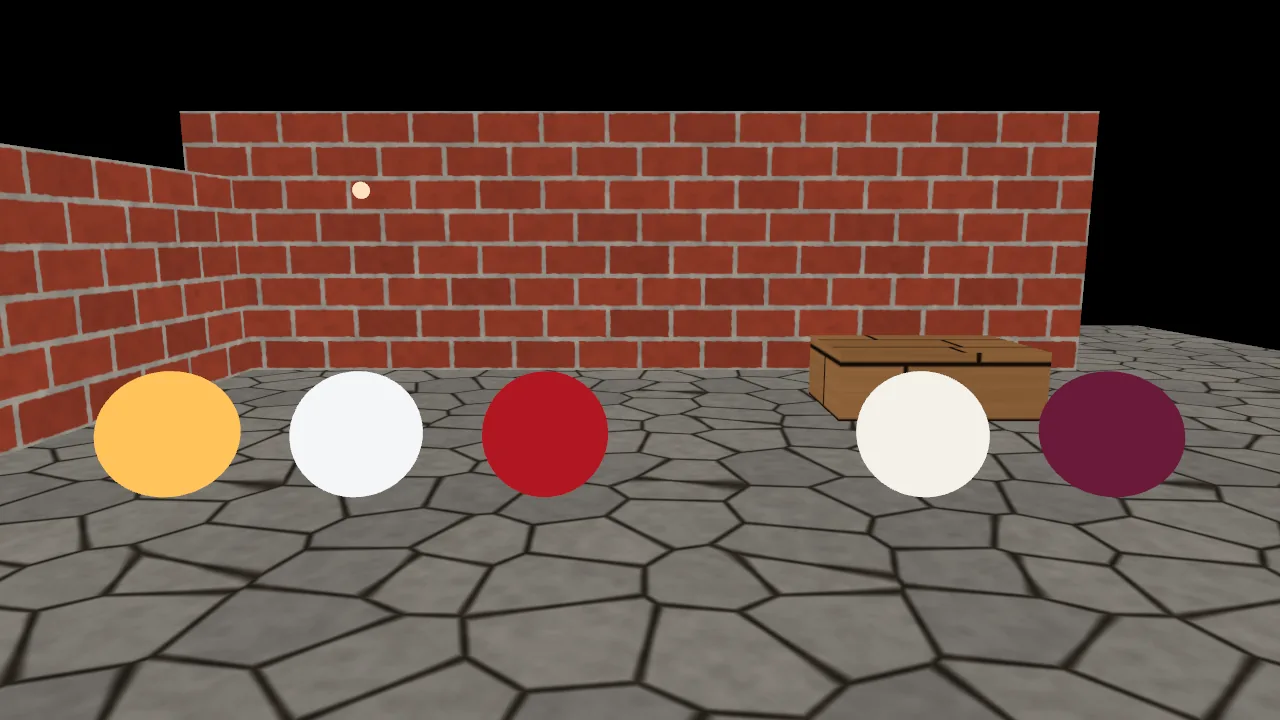
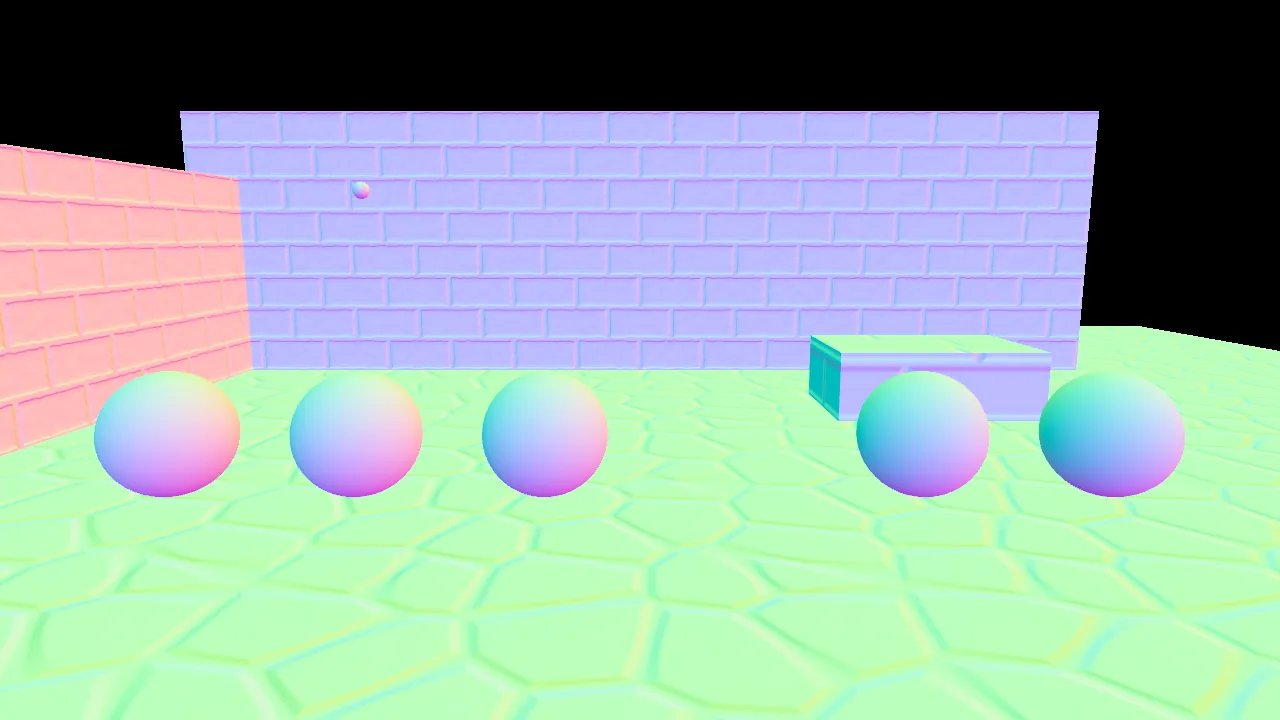
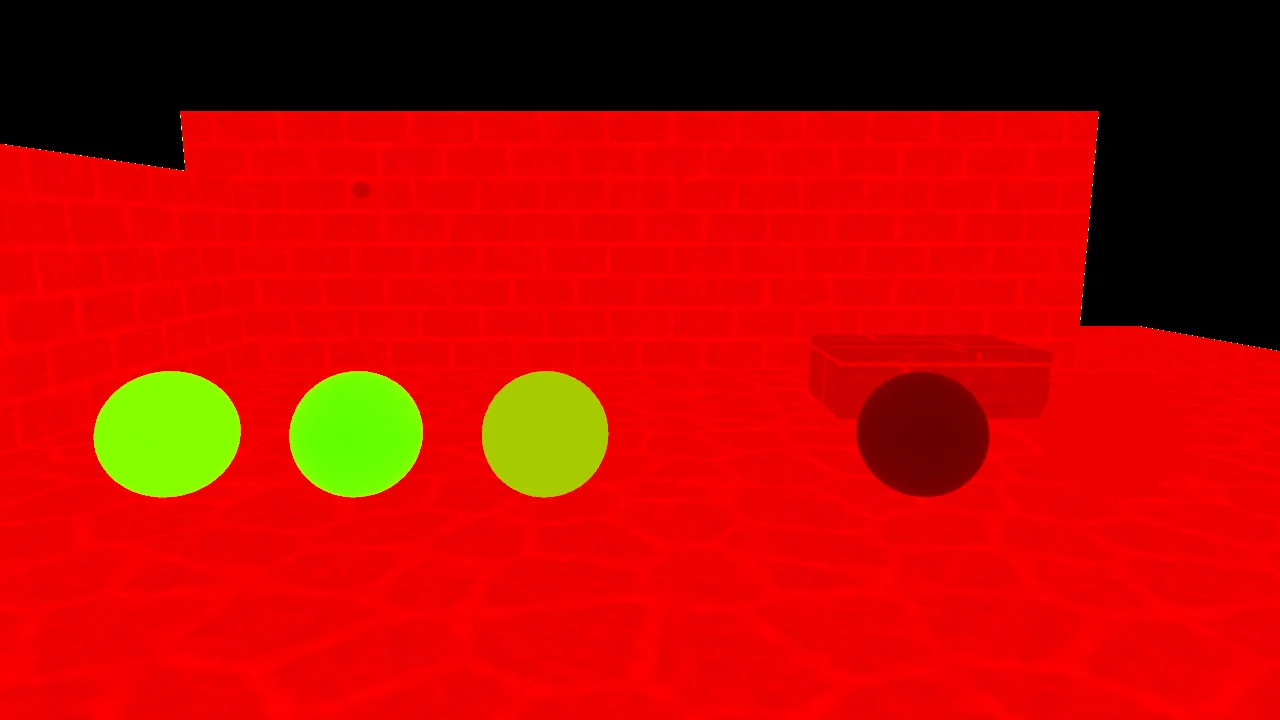
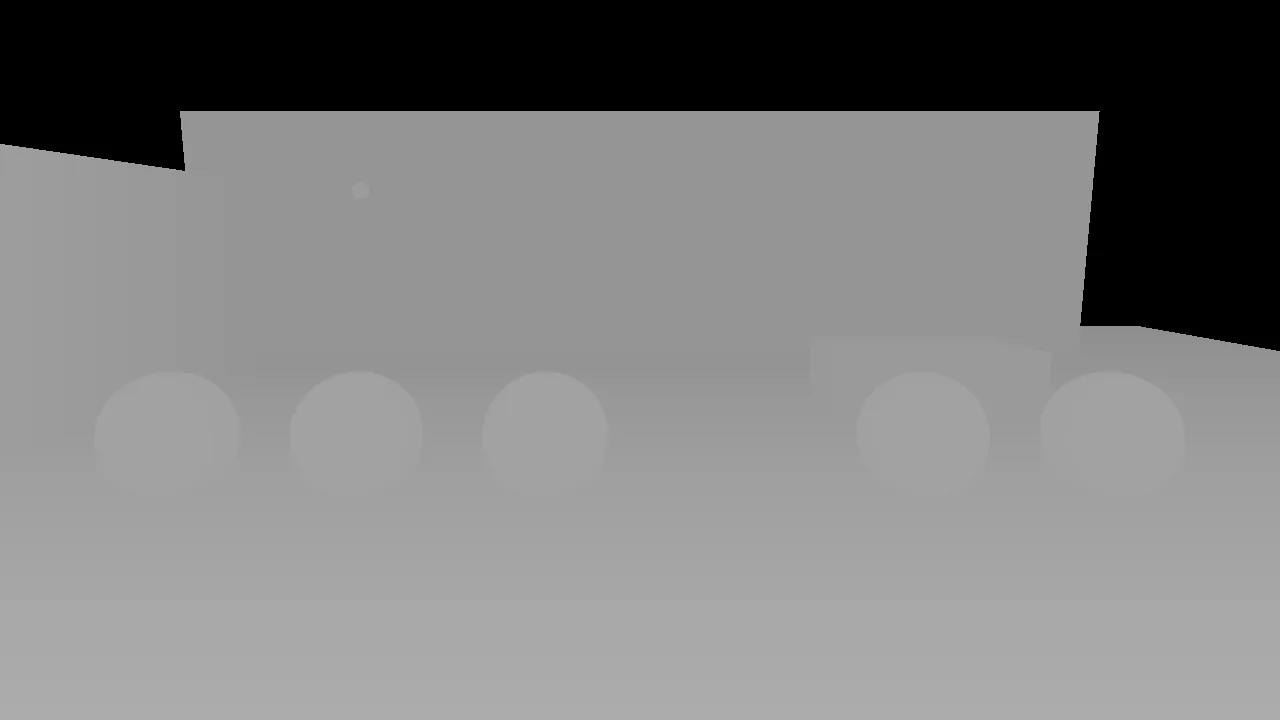
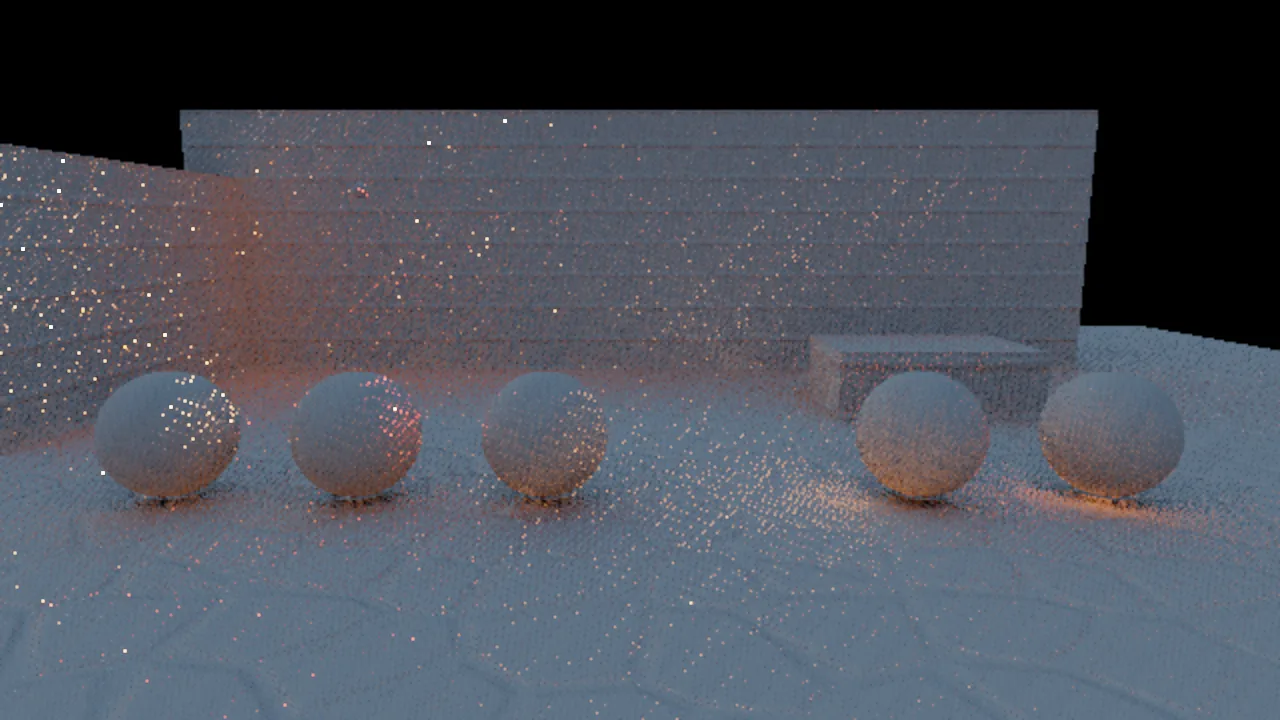
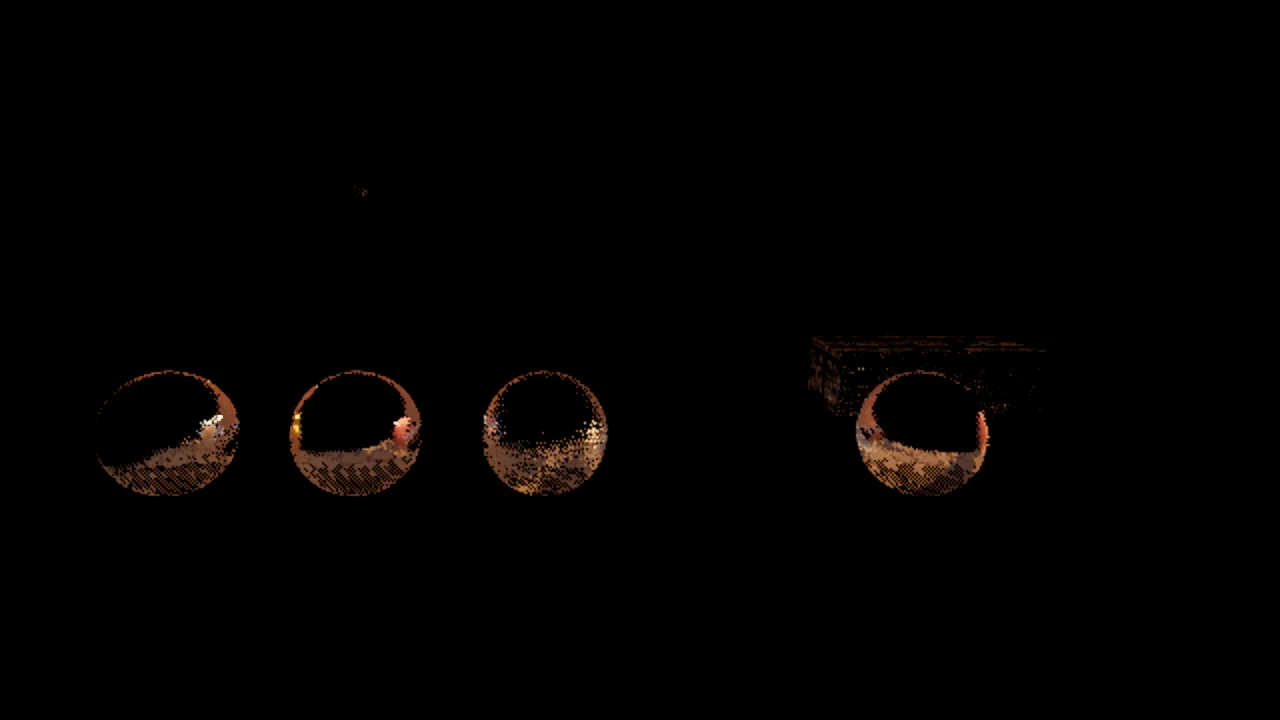
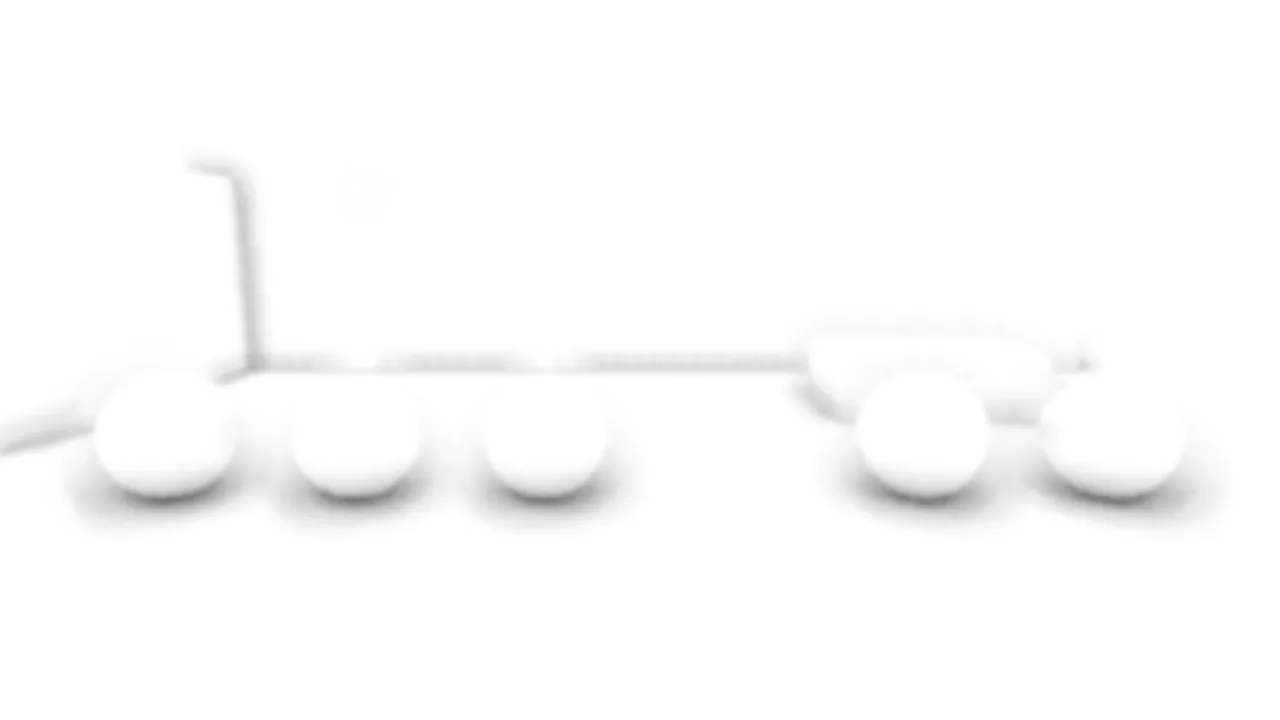
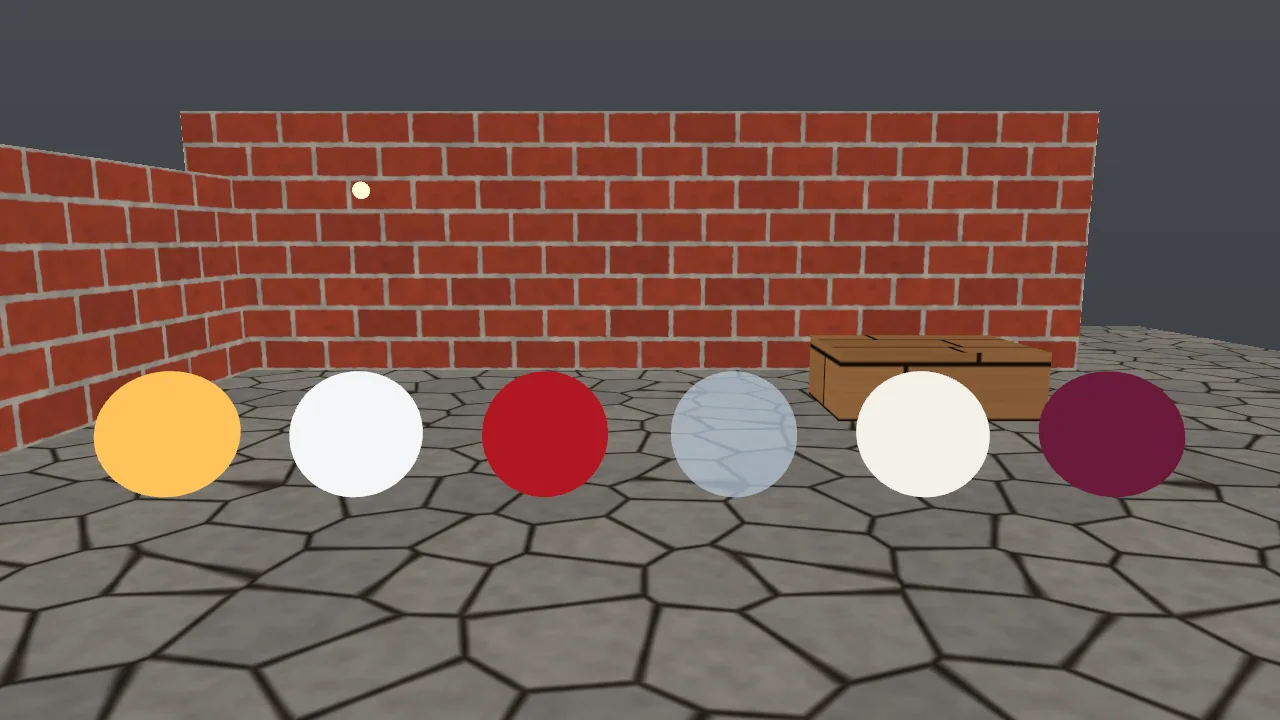
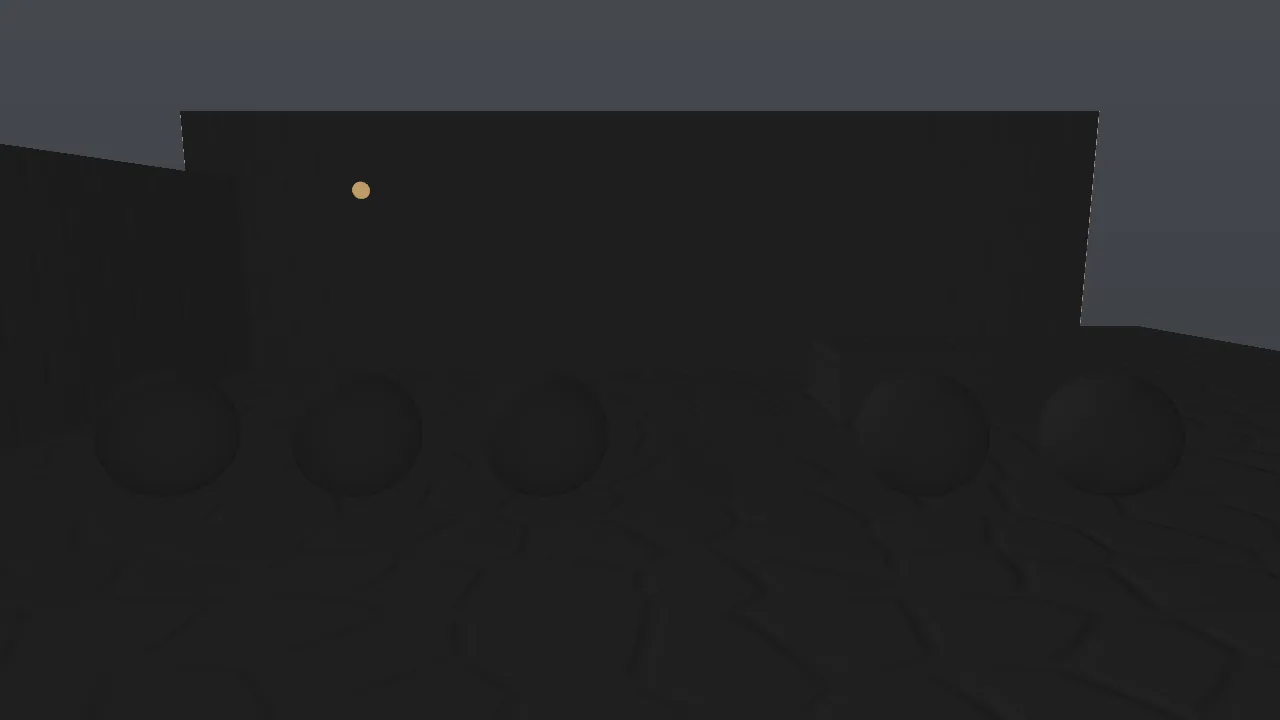
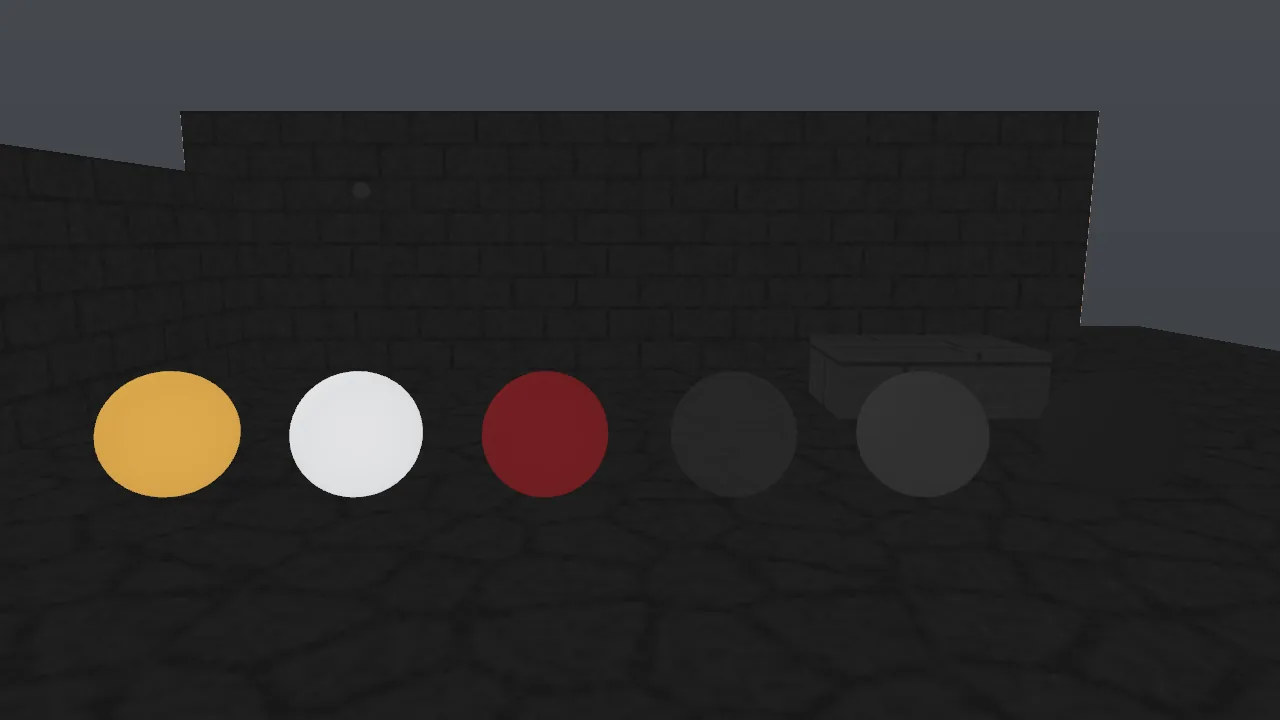
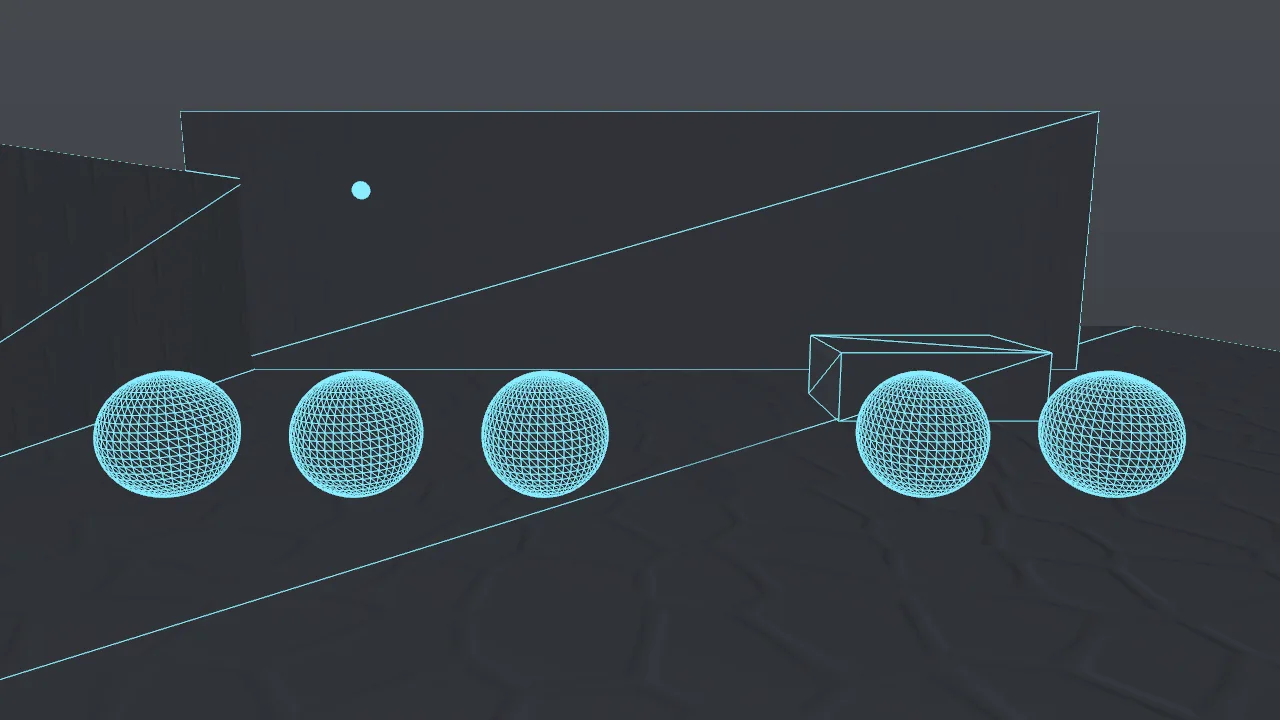
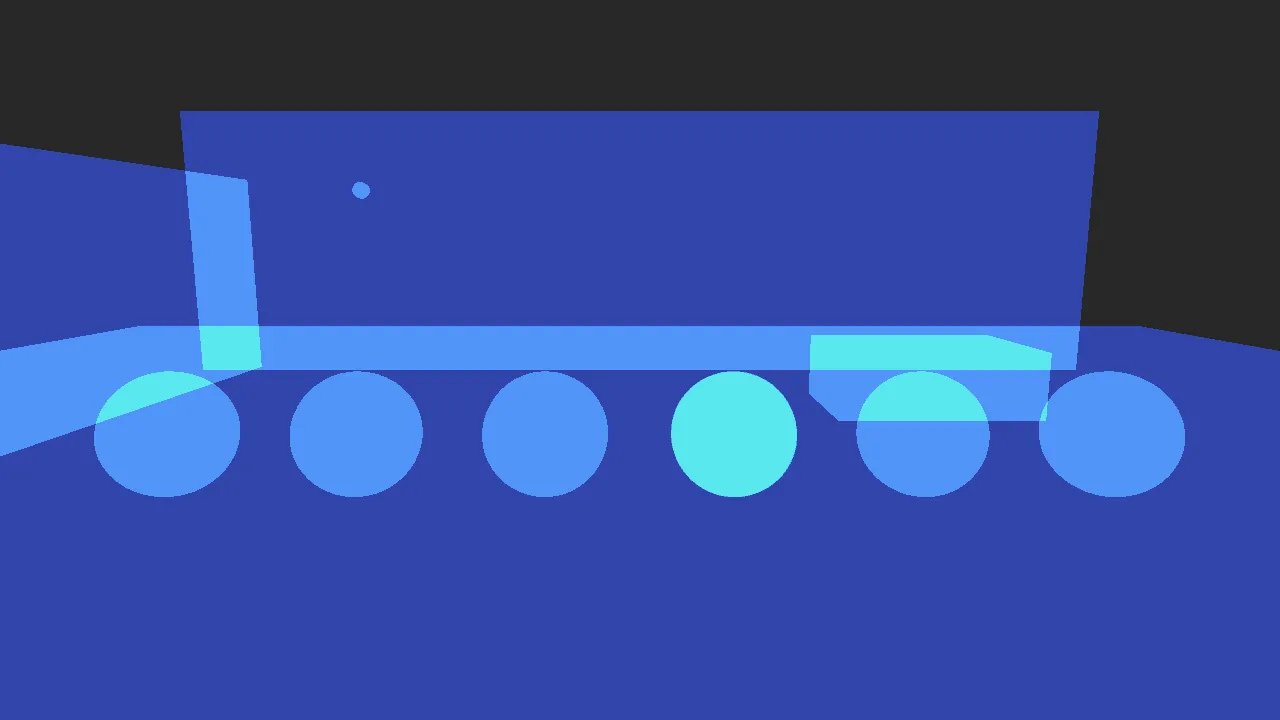
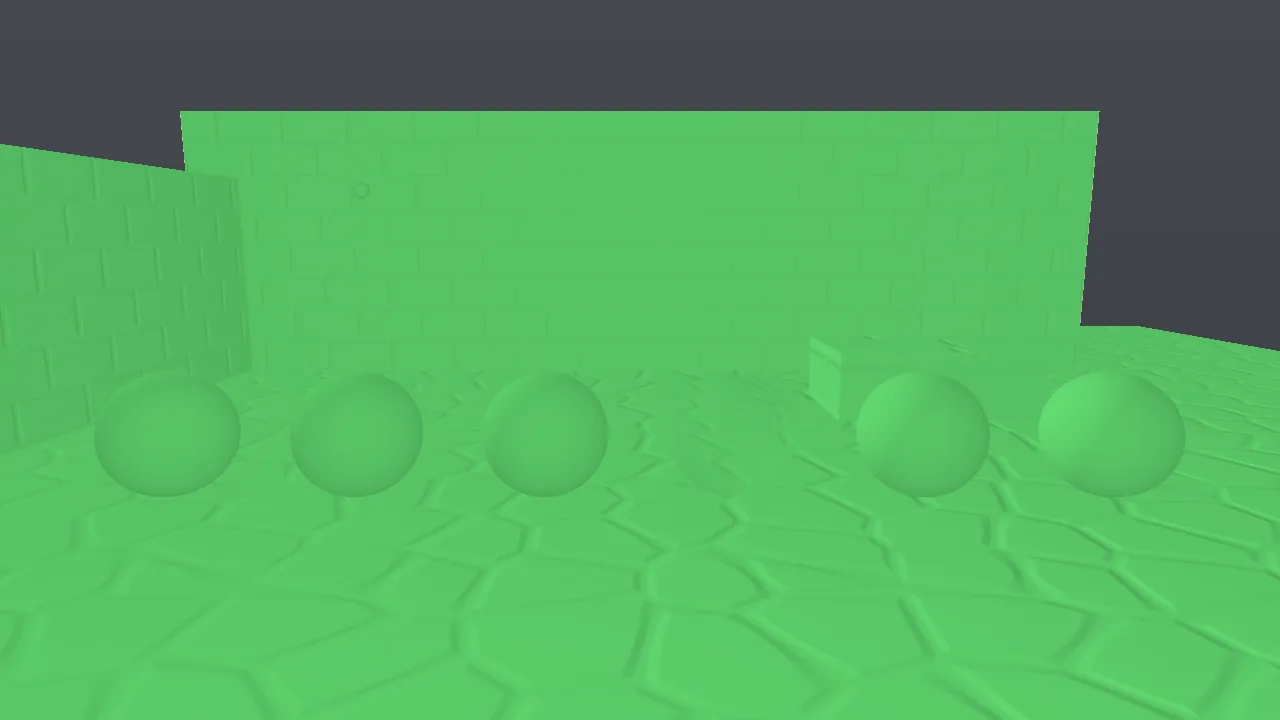
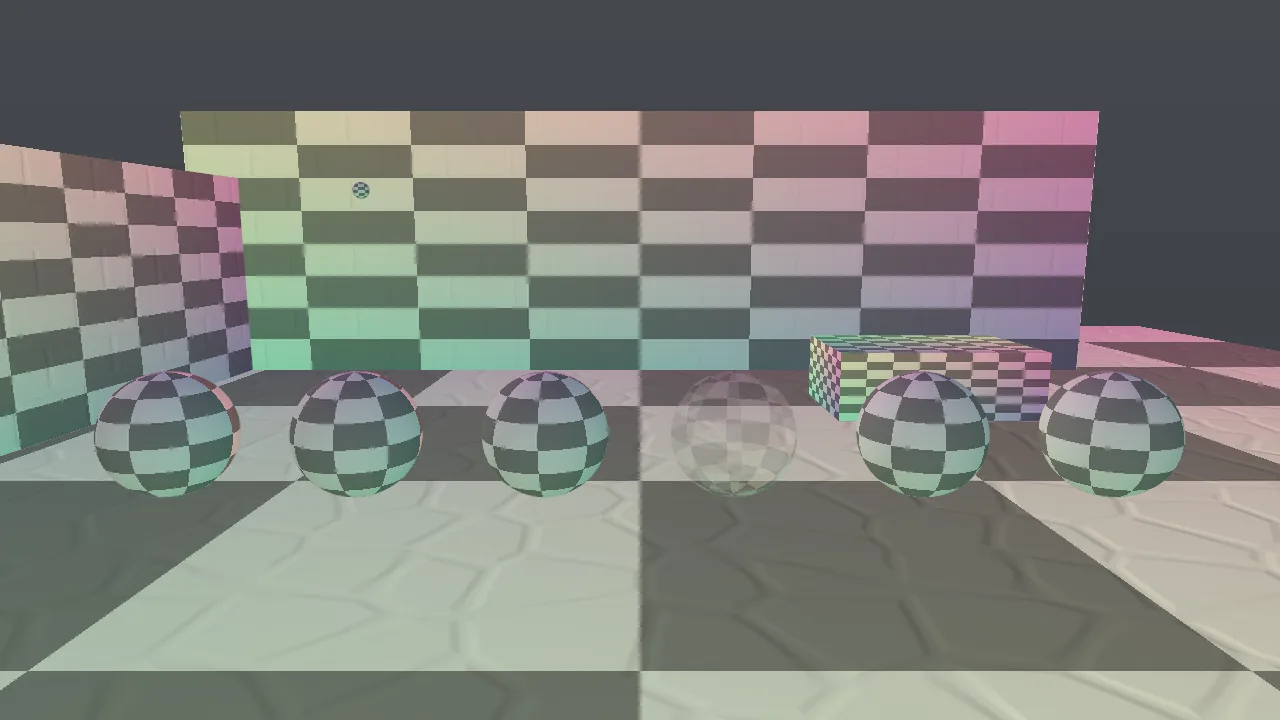
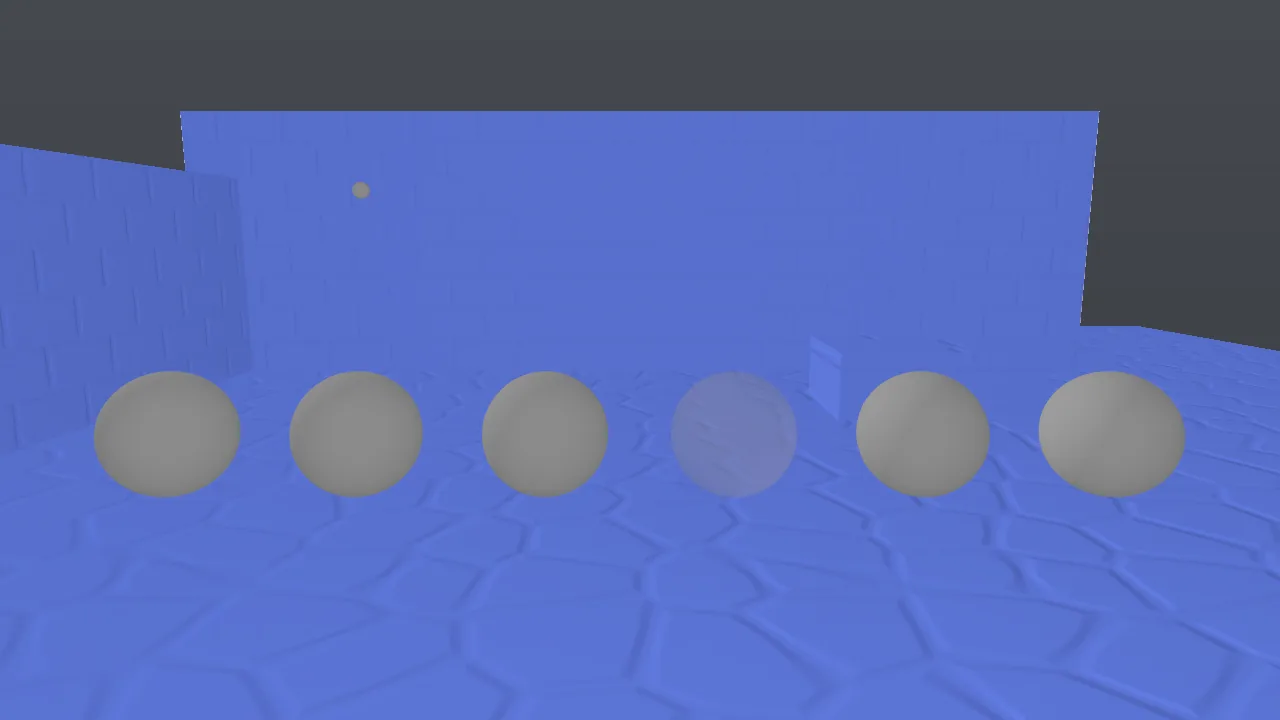
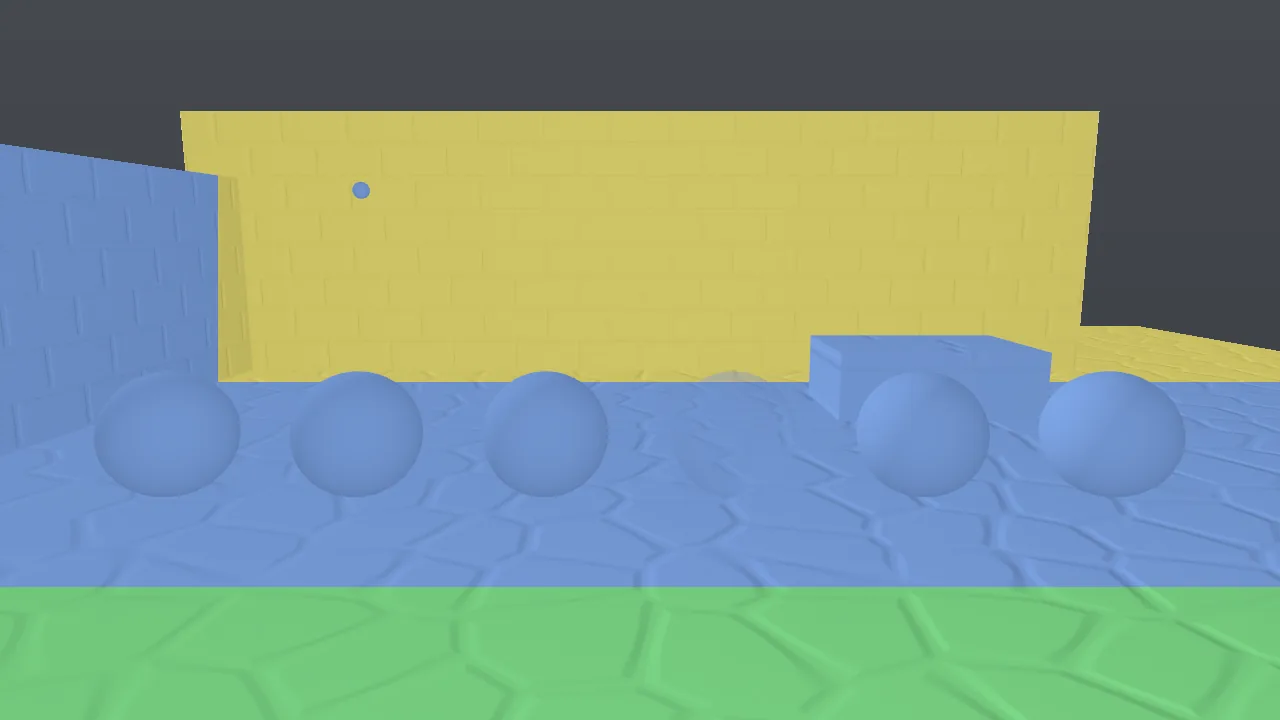

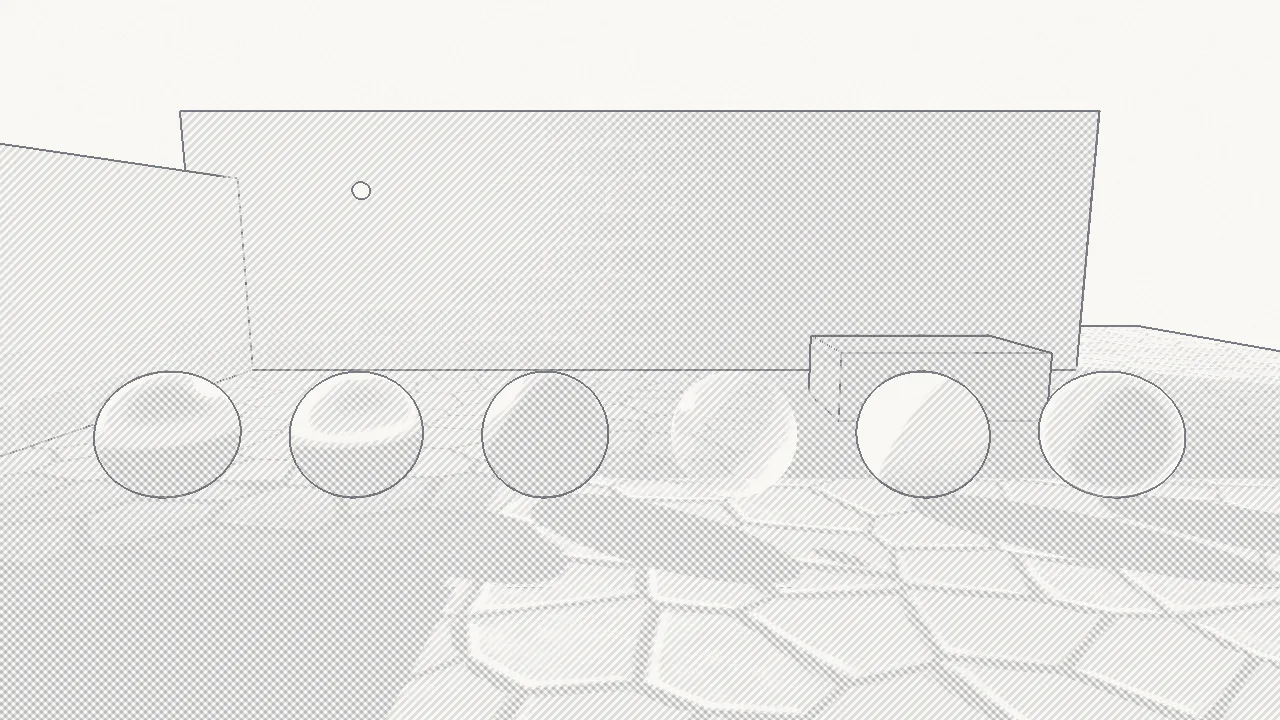
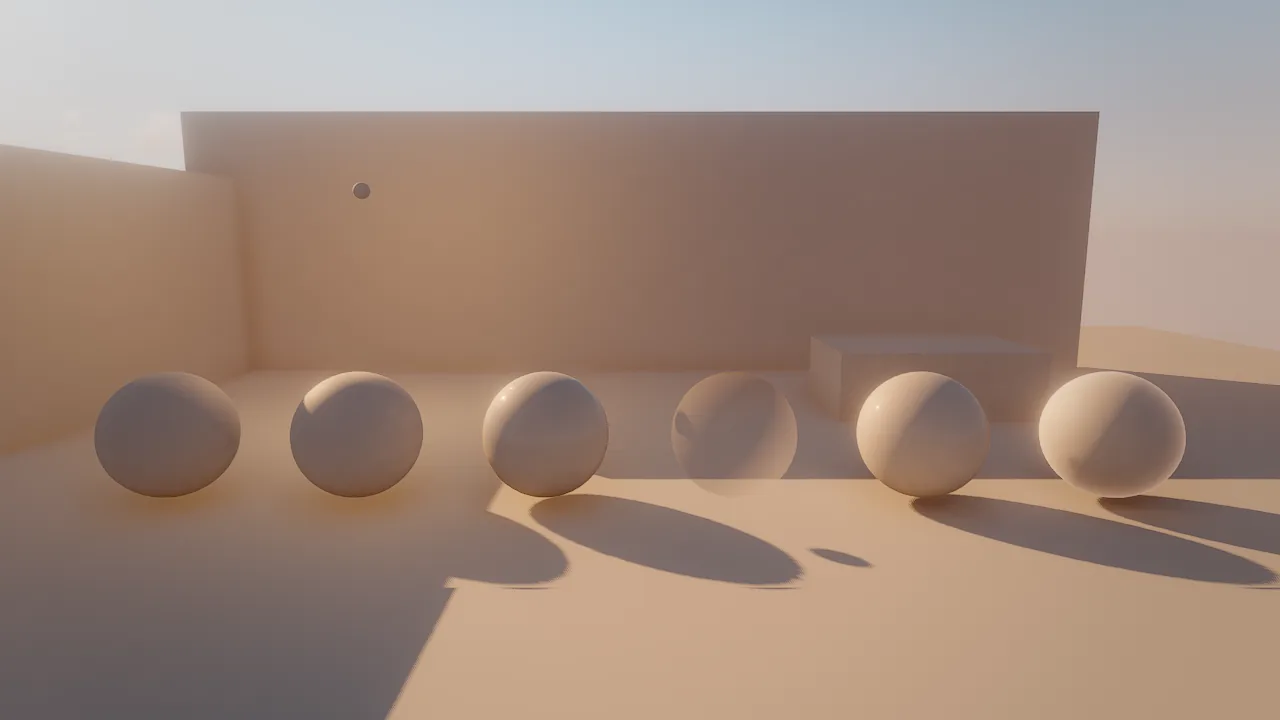
Reading the gallery: in overdraw the transparent glass sphere and the overlapping wall corners show more fragments
than the rest; in shadow_cascades the courtyard spans three cascades from the foreground to the back wall; in
light_complexity the whole floor sits in clusters touched by the single lamp; texel_density is blue on the walls
and floor, below the 512 texels/m target at this camera distance, and gray on the untextured spheres.
motion needs a moving scene and shadow_atlas shows the atlas rather than the courtyard; an example of the atlas is
on Lighting and shadows.
How to use a view
Most views need only one sample. Use 8 or more for gi, reflections and ao, which are noisy before accumulation,
and for clay and sketch when the image is the deliverable.
Recipe: is my texture density right?
-
Frame the area the player sees most, at the distance they see it from:
-
Read the colors. Mostly green near the camera means about 512 texels per meter, the target. Blue or cyan means textures are blurry up close; yellow or red means more resolution than the screen can show (wasted memory) or tiling that repeats too often. Gray surfaces have no base-color texture.
- Fix blue areas by raising the texture's size (
texture_generatesizeup to 2048) or its tiling; density grows linearly with both. For tiled materials, a higher tiling also makes repetition more visible, so prefer a larger texture for hero surfaces. -
Check the UVs with
uv_checker: cells should be square, the same size on neighboring surfaces, and not mirrored. Triplanar materials project their textures in world space and ignore mesh UVs, so UV problems do not affect them.
Recipe: a sketch, clay and final breakdown
viewport_capture {"view": "scene", "debug_view": "sketch", "samples": 8, "save_path": "renders/breakdown_1_sketch.png"}
viewport_capture {"view": "scene", "clay": true, "samples": 16, "save_path": "renders/breakdown_2_clay.png"}
viewport_capture {"view": "scene", "samples": 16, "save_path": "renders/breakdown_3_final.png"}
The same three looks render as movies with movie_render (debug_view: "sketch", clay: true) for transitions in a
showreel.
Pitfalls
- The live view is shared.
viewport_debug_viewchanges what the human sees. Turn it back tofinalwhen you are done, or useviewport_capture {debug_view}instead. - Effects are not in surface views. Water, particles and fluids do not appear in
unshaded,lighting_only,overdrawand the other surface views. - Buffers are half resolution and noisy.
gi,reflectionsandaocome from half-resolution passes; judge them with enough samples. motionneeds motion. Capture it withsamples: 1right after asim_controlstep; a still scene is gray.shadow_atlasreplaces the whole image. It shows the atlas, not the scene; pair it withshadow_atlas_infoto know which slot belongs to which light.
For agents
Use captures, not the live viewport, unless you want the human to look:
viewport_debug_view {"list": true}                                  # every view and its legend
viewport_capture {"debug_view": "lighting_only", "samples": 4}     # light placement
viewport_capture {"debug_view": "overdraw", "samples": 1}          # transparency and grass cost
viewport_capture {"debug_view": "lod", "samples": 1}               # missing LODs (green far away)
viewport_capture {"debug_view": "texel_density", "samples": 1}     # texture resolution
Pair each view with perf_stats {"passes": true} when the question is about cost (see Profiler).
Reference
- Tools:
viewport_debug_view,viewport_capture,movie_render,camera_set - CLI:
skywalker movie - Design: docs/RENDERING.md (Debug and film views; Profiling and debug views)